 opaya
How to Keep a Vibe-Coded Project From Turning Into Spaghetti
Structure first, prompts second.
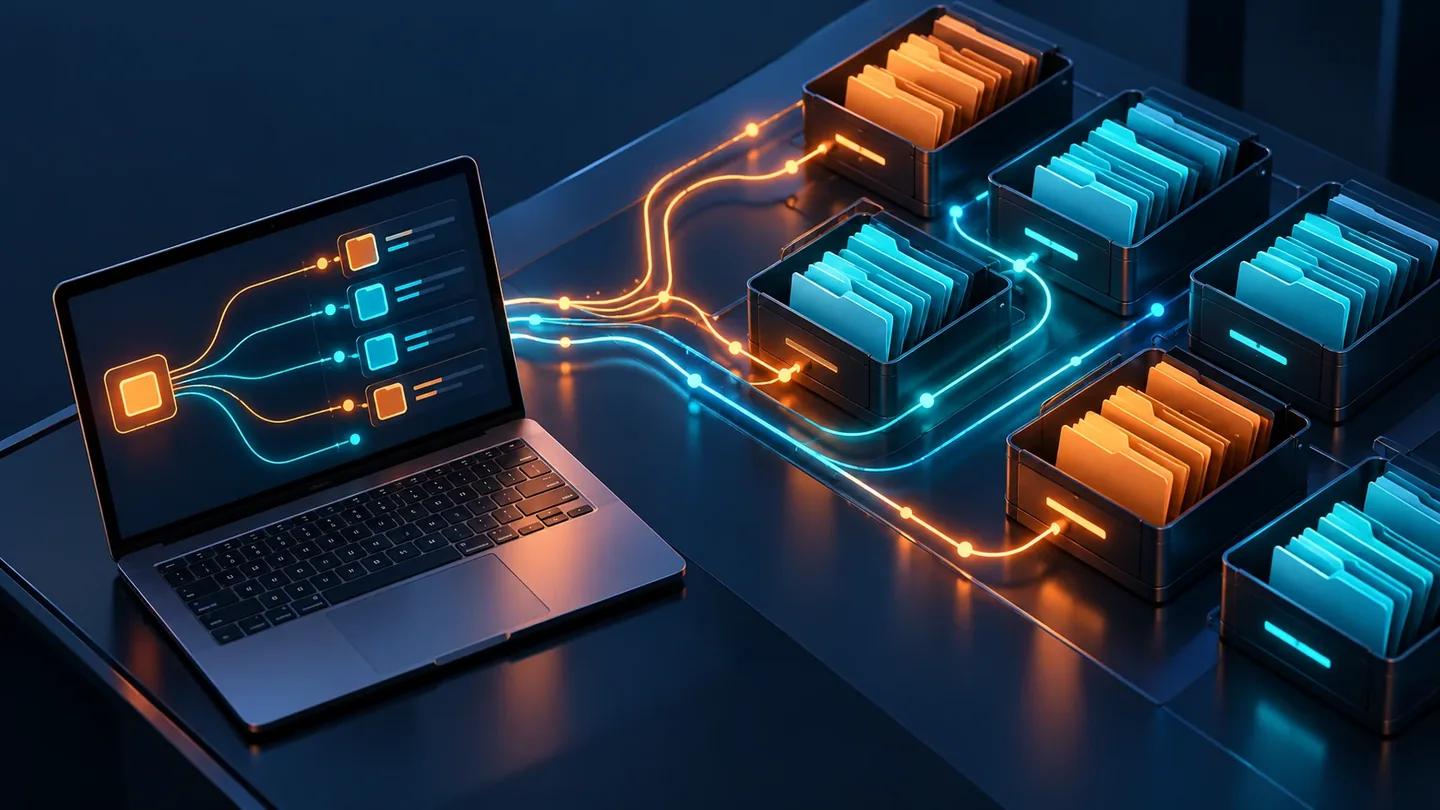
Vibe coding can get a project to “it works” faster than almost anything else. The trouble often starts when the agent that wrote half your codebase has no idea why src/lib/format.ts exports four functions with the same name — and neither do you. The fix is not a better prompt. It is a small amount of structure that exists before the prompts start: a folder layout, a git history with real boundaries, a file that records decisions, and agent instructions that live in the repo instead of in your head. That is the vibe coding project structure this guide sets up.
This guide is a concrete pass you can run in about an hour on a fresh project, or a weekend on one that has already tangled. It assumes you are shipping with AI coding agents and want to keep the speed without inheriting a codebase nobody can reason about.
Why vibe-coded projects drift into spaghetti
The failure mode is predictable, and it is rarely the model’s fault:
- No context carry-over. A new session rediscovers your conventions from scratch, or simply invents its own. Two sessions, two patterns for the same job.
- Prompts are ephemeral. The reasoning behind a choice lives in a chat window that gets closed. Six weeks later the constraint is invisible and someone removes it.
- No natural diff boundaries. When an agent rewrites four files per prompt, review collapses into “looks fine, accept all,” which is not review.
- Experiments land on main. A spike to test one idea quietly becomes load-bearing production code because nobody separated it.
Each item is a structural gap, and each one has a structural fix. The rest of this guide shows how to close them.
What you need before you start
- Git installed locally, plus a remote you control (GitHub, GitLab, or self-hosted).
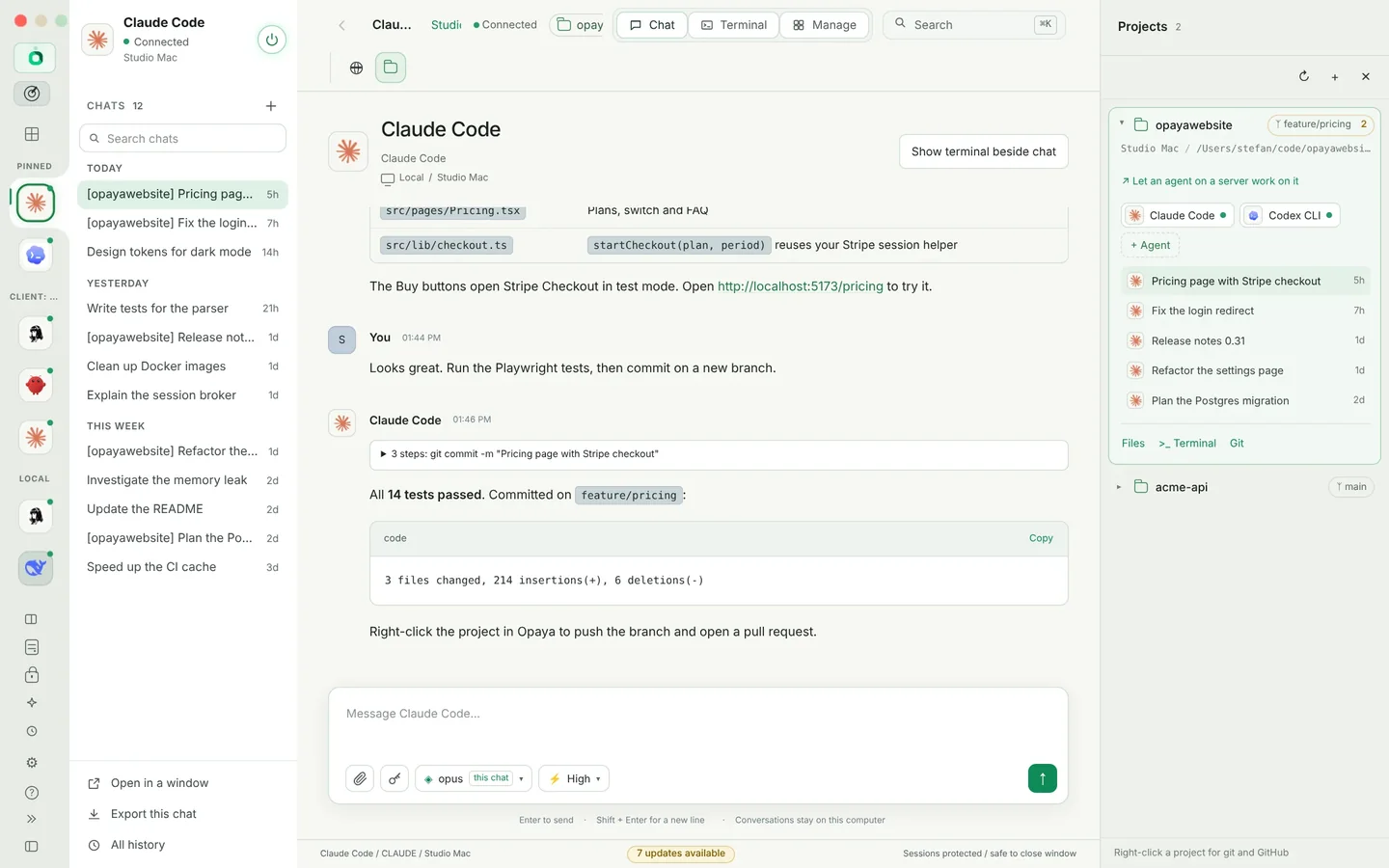
- One AI coding agent you are willing to run inside the project directory. If you use several across a laptop, a dev server and Docker, a workspace such as OPAYA lets you install, connect and manage them from one place — see the OPAYA vibe coders page.
- A working install, build and test command for your stack. You need these commands to be runnable by an agent, not just by you.
- A formatter and linter, so style differences never enter a diff as noise.
- Roughly 30–60 minutes for a new project. Budget a weekend for an existing one.
Step 1: Sketch the folder layout before your first prompt
The point is not that this exact tree is correct. The point is that an agent given a shape — new feature logic goes in src/features/, shared utilities in src/shared/, don’t touch src/core/ without asking — makes far fewer bad choices than an agent given a blank directory and a feature request.
project/
  AGENTS.md
  docs/
    decisions.md
    architecture.md
  src/
    core/
    features/
      billing/
        billing.service.ts
        billing.test.ts
    shared/
  tests/
    e2e/
  scripts/
  .env.example
  .gitignore
Rules that survive contact with agents: one feature, one folder; tests next to the code they cover; generated output and secrets never inside a tracked path. Write the tree down in docs/architecture.md with a sentence per directory. That file is the cheapest context you will ever give an agent.
Step 2: Initialize git and make the first commit boring
Commit the empty scaffold before the first feature prompt. This matters more than it sounds: once a base commit exists, the first real feature arrives as a reviewable diff against something, rather than as part of an unreadable initial import.
git init
git add .
git commit -m "chore: initial scaffold"
Add .gitignore at the same time — node_modules/, build output, .env, local caches. If an agent never sees a gitignored secret, it can never commit one. Set the default branch to main and protect it on the remote so pushes need a branch and a diff.
Step 3: Put agent instructions inside the repo
Whatever your tool calls it — AGENTS.md, CLAUDE.md, or a rules directory — keep one canonical instructions file at the repo root and commit it. Most agents will follow a root-level instructions file if you point them at it, and several read AGENTS.md by convention.
Keep it short enough to actually be read. A useful shape:
# Project instructions

## Commands
- dev: npm run dev
- test: npm test -- --runInBand
- typecheck: npm run typecheck
- lint: npm run lint

## Layout
- src/core: framework glue. Do not modify without asking.
- src/features/<name>: one feature per folder, tests alongside.
- src/shared: code used by two or more features.

## Conventions
- No new runtime dependency without an entry in docs/decisions.md.
- Validate input at the boundary; do not add defensive checks in core.
- Do not reformat files you did not otherwise change.

## Definition of done
- typecheck, lint and test pass locally.
- Diff touches only files required by the task.
- Structural choices are appended to docs/decisions.md.
Update this file every time you correct the agent about the same thing twice. That correction is a rule you were carrying in your head, and it belongs in the repository.
Step 4: Keep a running decisions file
A short log in docs/decisions.md — date, decision, reason, alternatives rejected, cost to reverse — is the highest-leverage artifact in a vibe-coded project. Ask the agent to append an entry whenever it makes a structural choice: database access pattern, auth approach, state management, an added dependency.
## 2025-06-04 — Server actions for mutations
Why: keeps validation next to the form, shipped faster than a route layer.
Rejected: tRPC (extra schema surface for one client).
Reverse cost: medium — ~6 call sites.
Two things happen when you keep this file. The next agent session gets real context instead of guesswork, and you start noticing patterns you would otherwise miss — like the third auth redesign in ten days, which is a signal that the requirement is unclear, not that the code needs rewriting.
Step 5: Work in vertical slices and commit every working slice
A slice is one behavior, end to end, small enough to review in a few minutes. State the boundary in the prompt, and say explicitly what is out of scope.
- Describe the slice and its files: Add invoice PDF export. Touch
src/features/billing/only. - Let the agent implement and run typecheck, lint and tests.
- Read the diff. Not the whole file — the diff.
- Commit only when it passes, with a message that says what changed and why.
git add -A
git commit -m "feat(billing): export invoice as PDF"
If a prompt produces a working change plus an unrelated cleanup, commit the working change and revert the cleanup into its own slice. This one habit prevents most of the “why is this file different” archaeology later.
Step 6: Separate experiments from the main branch
Spikes are how you explore, and they should be disposable by design. Name them spike/, time-box them, and never merge them — port the winning idea onto a feature branch as a clean, reviewable change.
git switch -c spike/embedding-search
# explore freely, commit messily
# record the outcome in docs/decisions.md, then:
git switch main
git branch -D spike/embedding-search
If you run two agents in parallel, use separate git worktrees so they do not fight over the same working directory, and assign each one a file ownership boundary. Parallel agents editing the same file is a merge conflict generator, not a productivity multiplier.
Step 7: Review generated code in small diffs
Reviewing agent output is a different skill from reviewing human output, mostly because volume is the default. Ask for a three-sentence intent summary before the code, then review the diff against that summary. Anything the summary does not mention is scope creep.
- Input validation at boundaries, and honest error handling — no silent
catchblocks. - New dependencies: what it replaces, and whether the diff in
docs/decisions.mdjustifies it. - Duplicate abstractions — the third near-identical helper is a signal to consolidate.
- Tests that would fail if the feature were removed.
- Anything touching
src/core/or CI configuration.
Step 8: Keep the agent environment consistent across machines
Structure inside the repo only helps if the environment around it is stable. When one agent runs on your laptop, another on a remote dev box and a third in a container, differences in installed tooling, paths and environment variables show up as diff noise and “works for me” failures.
OPAYA’s product pages describe a desktop workspace for installing, connecting and managing AI agents on local computers, remote servers and Docker. In this workflow that means fewer ad-hoc terminals and a more consistent set of agent connections around the same repository conventions. Treat it as plumbing: it does not replace the folder layout, the instructions file or the diff review above, and no tool does.
Test checklist: is your vibe-coded project structured?
Run this before you call the structure done, and again after a heavy week of prompting.
- Clean clone works. Fresh clone, install, then typecheck, lint and tests pass with no manual steps.
- Instructions are load-bearing. Give a new agent a trivial task with no extra explanation. If it guesses wrong, the instructions file is incomplete.
- Diff sizes are sane. Your last five commits each have one concern and are reviewable in under ten minutes.
- History is legible.
git log --oneline -20reads like a changelog, not a list of “update.” - Main is protected. CI runs on pull requests and main builds from a clean checkout.
- No secrets tracked.
.envis ignored,.env.exampleis committed, and a grep for keys in the diff comes back empty. - Decisions file is current. The last structural change has an entry with a reversal cost.
- Spikes are closed. Every
spike/branch has a recorded outcome and a deletion date.
Edge cases and how to handle them
- The project is already spaghetti. Do not ask an agent for a big-bang rewrite; it will produce a large, unreviewable diff. Add the instructions file and decisions log first, then move one feature folder at a time behind passing tests.
- The agent ignores instructions. Shrink the file, move path-specific rules closer to the code they govern, and add a pre-commit hook that runs lint and typecheck. Rules enforced by tooling beat rules written in prose.
- Several agents, different habits. Keep one canonical instructions file and thin per-tool wrappers that point at it. Divergent instruction files are how the same repo grows two conventions.
- Long sessions and context decay. When quality drops mid-session, open a new one and hand it the decisions file plus
git log. That is a cheaper reset than re-explaining the architecture. - Generated and binary artifacts. Keep them out of git entirely, and keep them out of the agent’s working view so it cannot stage them.
- Solo builder who resents process. Keep two things — commits per working slice and the decisions file. Skip the rest until a second person joins.
FAQ
Does this structure actually slow down vibe coding?
Marginally on day one, but it pays back quickly. The cost is one hour of scaffolding plus a few seconds of commit hygiene per slice. The saving is not re-deriving your own architecture every session and not reviewing a 4,000-line diff you cannot fully read.
My project is already a mess. Do I have to rewrite it?
No. Freeze new features for an afternoon, write the instructions file and the decisions log against what exists today, then refactor one feature folder at a time with tests as the guardrail. A rewrite discards the undocumented decisions that currently keep the thing running.
Where should agent instructions live if I use more than one tool?
In the repository, under version control, in one canonical file. Per-tool files should be short wrappers that reference the canonical one. Anything that only exists in a chat history is not an instruction, it is a memory.
How small is a “small diff”?
Small enough that you can describe it in one sentence and hold it in your head while reading. That is usually one behavior across a handful of files. If you cannot summarize it in a sentence, split the slice.
Do I need a decision record for every choice?
Only for choices that would be expensive to reverse or confusing to a newcomer: dependencies, data access, auth, state management, public interfaces. Ordinary implementation detail does not need a log entry.
Should I let the agent commit and merge on its own?
Letting it commit on a branch is fine. Letting it merge to a protected main branch removes the only review gate you have. Keep the human merge, at least until your test coverage genuinely earns the trust.
Does OPAYA replace git, my test runner or my review process?
No. OPAYA is a workspace for installing, connecting and managing agents across local machines, remote servers and Docker; the structure in this guide stays in your repository and your git workflow.
Your next action
Pick one repository and do three things today: create the folder skeleton and commit it, write a 60-line instructions file at the root, and add an empty docs/decisions.md with today’s date and your stack choice as the first entry. Then take the next feature request and run it as a single slice with a single reviewable commit. One hour of work, and the next agent session starts from a position of structure instead of guesswork.
If you are running agents across a laptop, a dev server and a container, OPAYA is worth a look as the place you manage those connections. Start with the OPAYA vibe coders page or read the feature overview to see whether it fits how you already work.
Keep reading

The Vibe Coder's Stack: Every Agent in One Window
How solo builders keep Claude Code, Codex, Hermes and local models side by side without juggling windows.
Read article →
Hermes Agent Setup: From Install to First Real Workflow
Install Hermes, point it at a model, connect a chat channel and run a first task end to end.
Read article →
A Serious Claude Code Setup: Projects, Skills and MCP Servers
Configuration, project instructions, skills and MCP servers arranged so Claude Code behaves the same on every machine.
Read article →