Chat history
Every chat grouped by day, searchable, with project labels. Rename, share or delete.
 OPAYA puts
  Claude Code,
  Codex,
  Hermes and free local models in one window with your projects, git and a terminal. The Opaya Agent handles the setup, so you spend your time building instead of fixing installs.
See OPAYA in a 30-minute walkthrough with n8n Lab: your agents on this computer, on servers and in Docker, plus answers to your questions.
Book a demoClaude CodeCodexHermes OpenClaw
On a fresh install OPAYA opens a setup guide. It looks at your computer, asks what you already have and what you want to make, and does the work in a terminal you can watch.
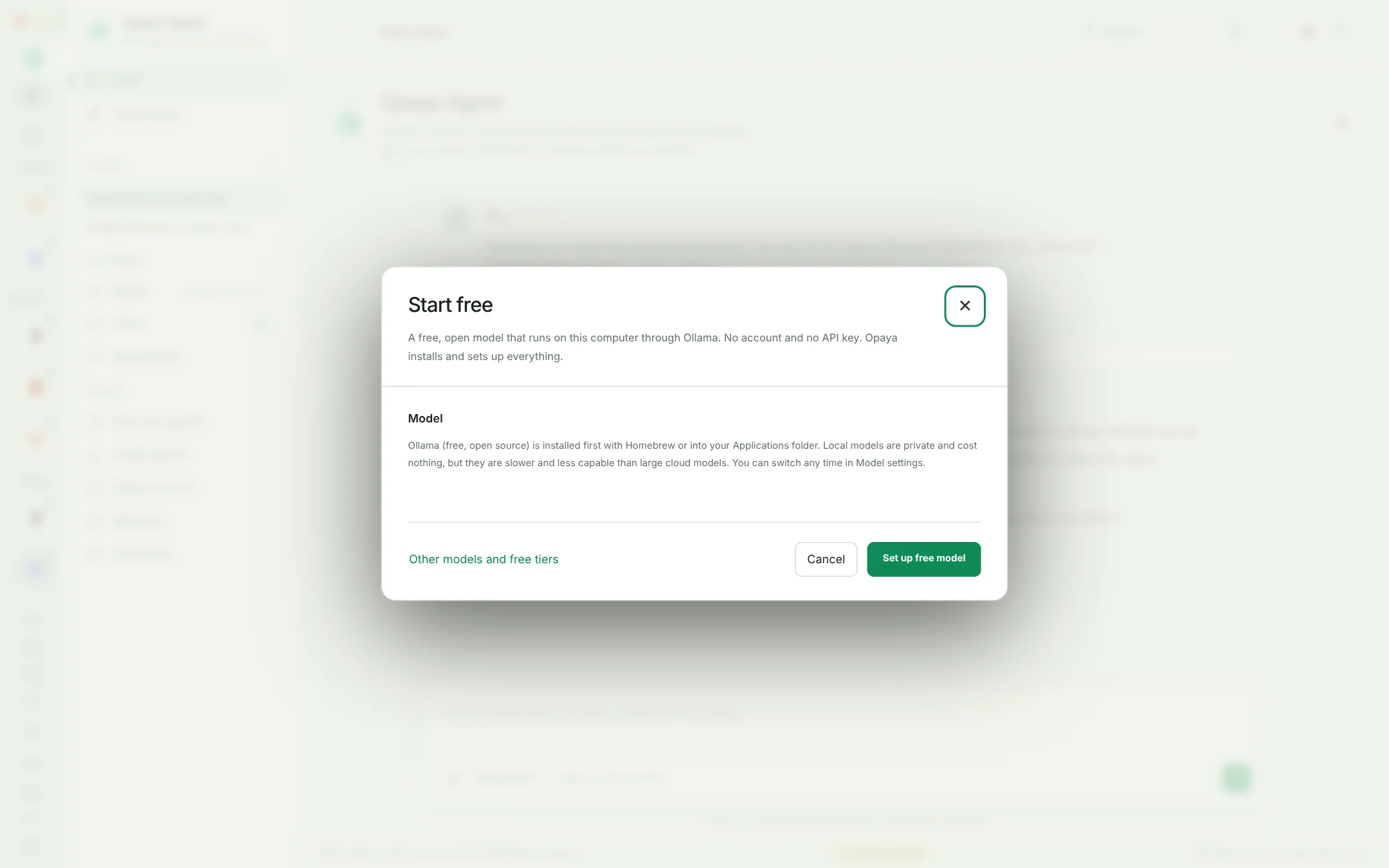
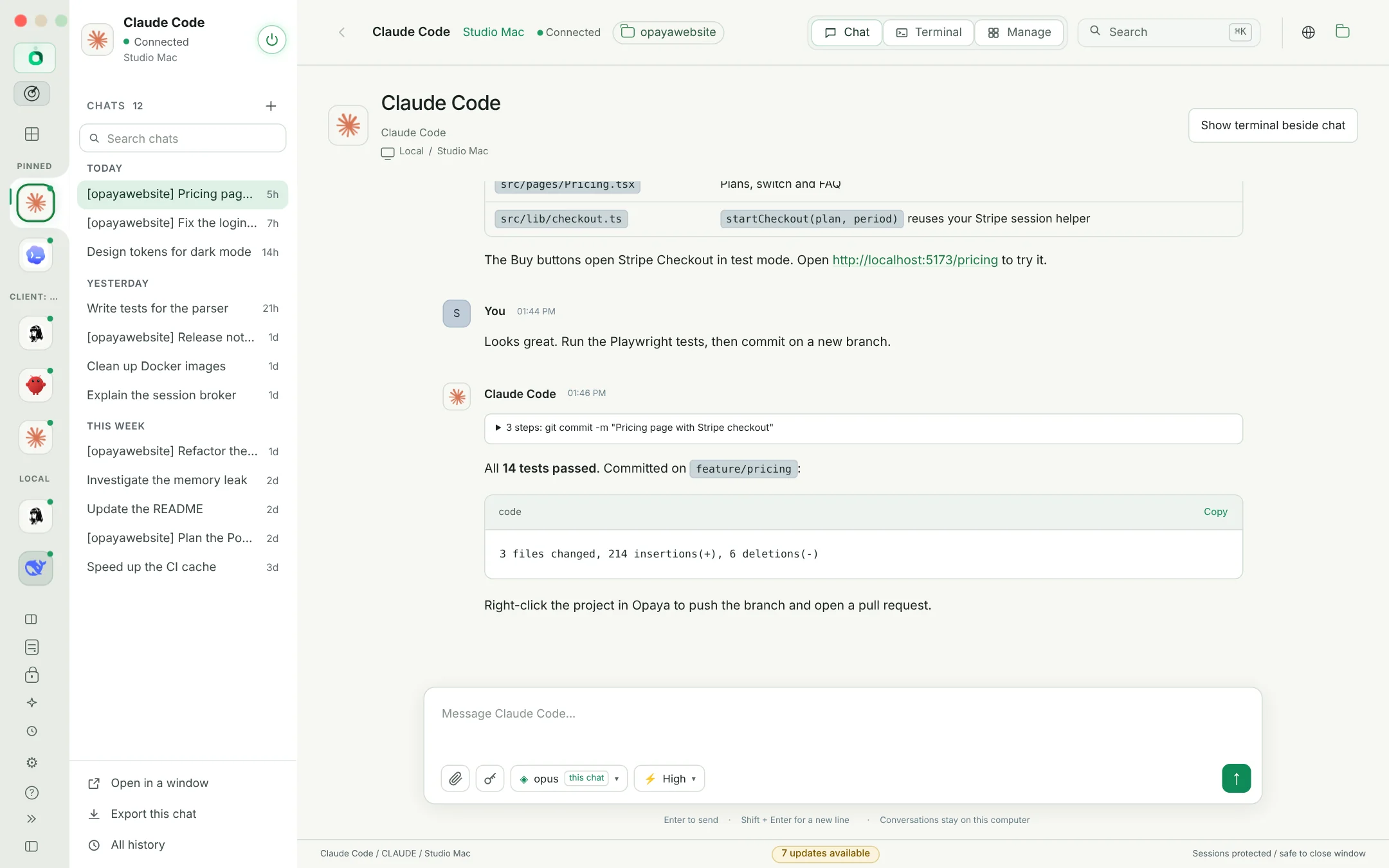
Ask for a feature and see every step the agent takes. Pick the model and how hard it should think for each chat, attach screenshots, and open the terminal when you want to look closer.
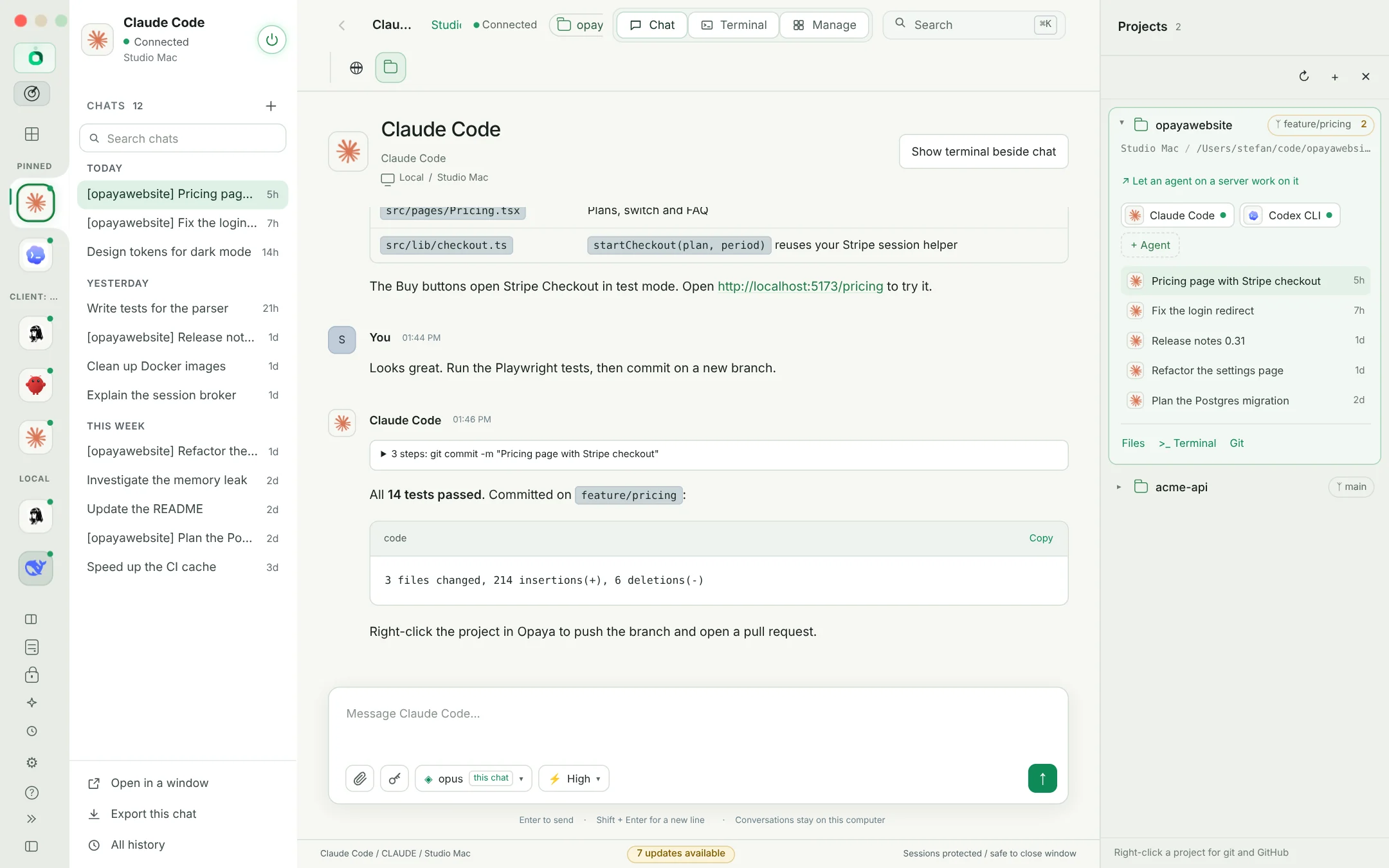
A project is your folder and the agents that work in it. Right-click to commit, push, switch branches or open a pull request.
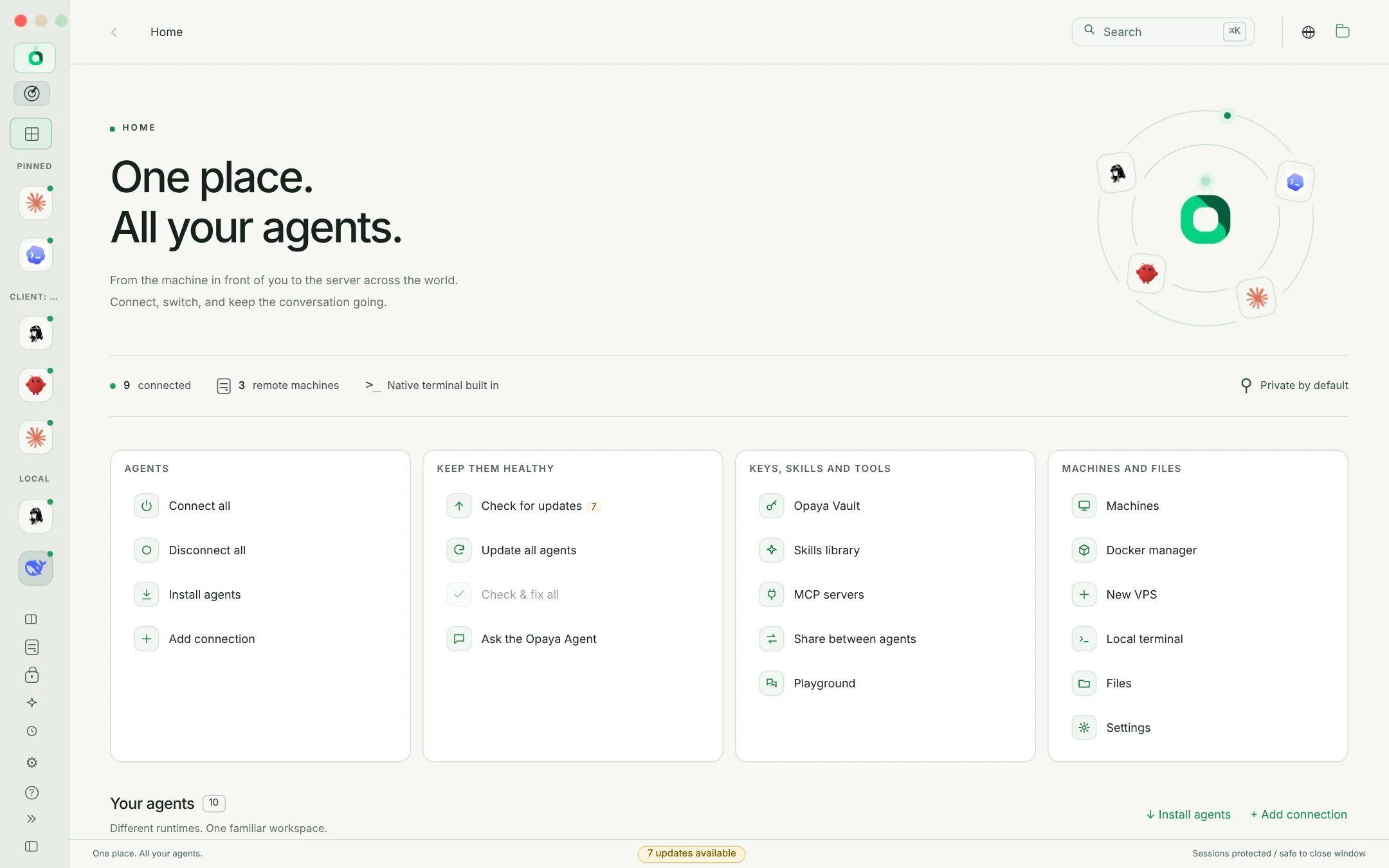
Not sure which agent is best for this? Keep them all. Switch in one click, ask two the same question in the Playground, and move your skills to whichever wins.
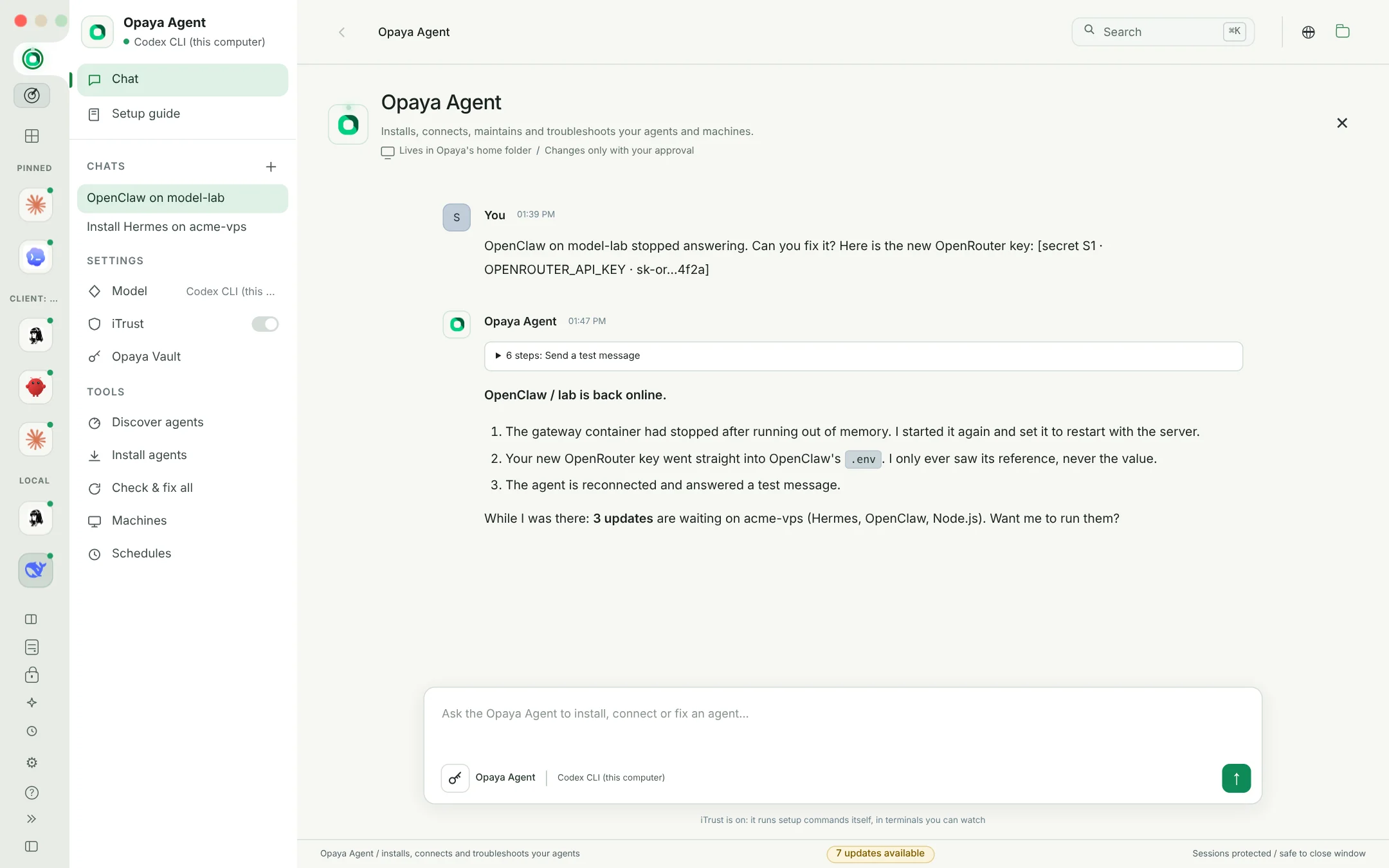
It knows every part of OPAYA and every agent in it. When an update fails, a sign-in is unfinished or an agent will not connect, it finds out why and fixes it.
Thirty minutes with people who do this every day. Bring the work that keeps slowing you down and leave with a clear plan for what to hand off next.
Book a demoBuilt for people who ship with agents every day.
Every chat grouped by day, searchable, with project labels. Rename, share or delete.
Let a trusted agent run commands and edit files without asking every time.
Know when an agent replies, needs approval or a job finishes while OPAYA is in the background.
Ctrl/Cmd+K switches agents, Ctrl/Cmd+B hides the sidebar, Ctrl/Cmd+Shift+M opens Manage.
Both themes, all the way through, including the terminal.
OPAYA, your agents and their tools update from inside the app.
One desktop. All your agents. Every machine.
Book a demo