opaya
opayaHow to Manage Multiple AI Coding Agents Without Losing Context
A practical way to keep your AI tools organized across projects and machines.
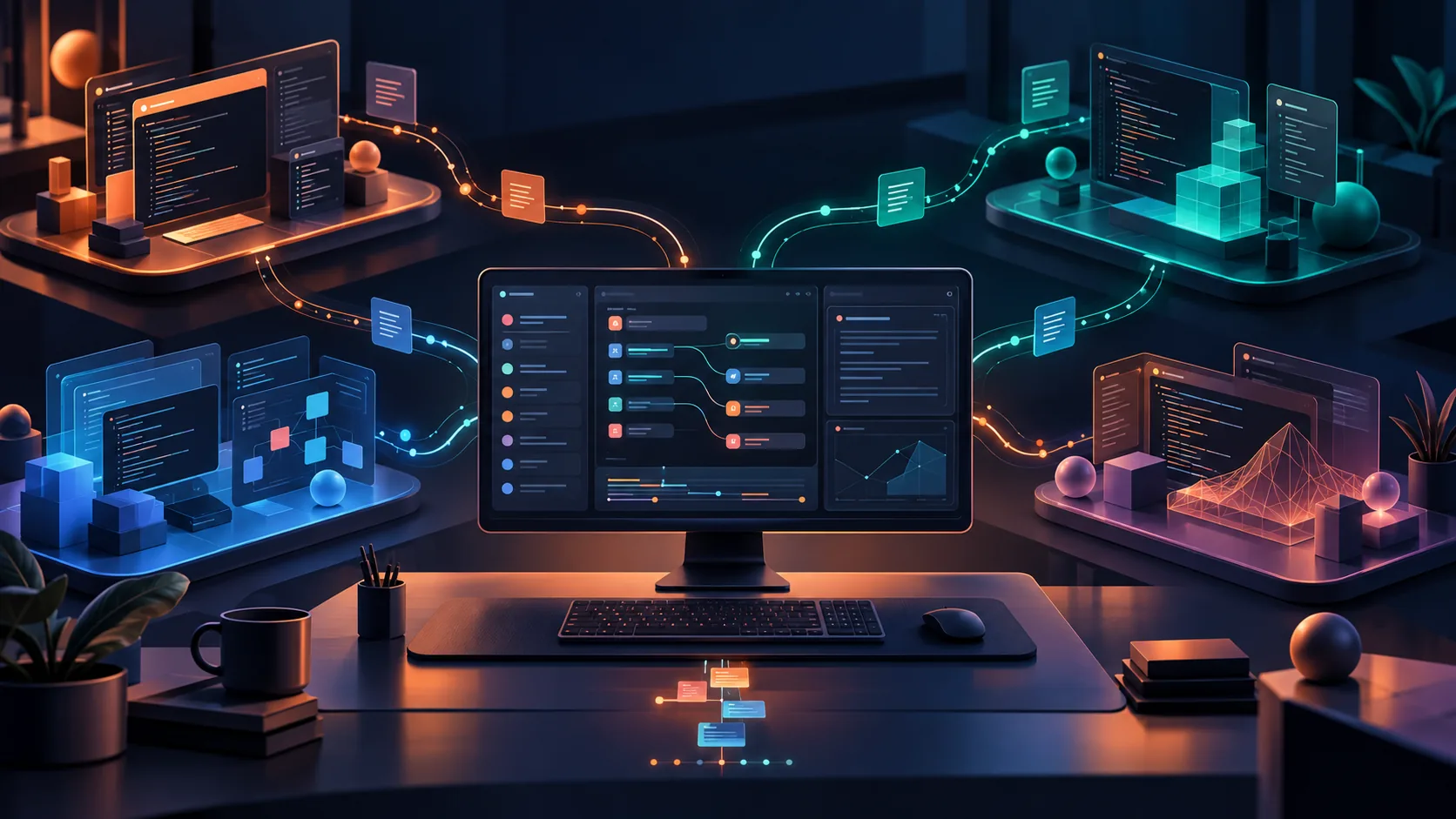
As developer workflows mature, the reliance on a single, monolithic AI assistant is quickly becoming a thing of the past. Today’s software engineers and operators are building specialized toolchains. You might use one lightweight agent for generating boilerplate code, a heavily resourced remote agent for deep repository analysis and refactoring, and an isolated agent running inside a Docker container for safely executing and debugging untrusted code.
However, as you scale your toolset, you encounter a significant architectural friction point: context loss. When you attempt to manage multiple AI coding agents across disparate environments, transferring the intricate context of your project from one tool to another often relies on manual copying, pasting, and repetitive prompting. This guide provides a systematic approach to orchestrating multiple agents while preserving your context, workflow history, and productivity.
Prerequisites for a Unified Multi-Agent Workflow
Before implementing a multi-agent orchestration strategy, you must ensure your underlying infrastructure can support seamless transitions. Attempting to stitch together isolated browser tabs and standalone terminal windows will inevitably lead to dropped context. To follow this guide, you will need the following baseline setup:
- Your Preferred AI Agents: Have your specific coding agents installed or accessible (e.g., local command-line tools, API-driven agents, or web-based endpoints).
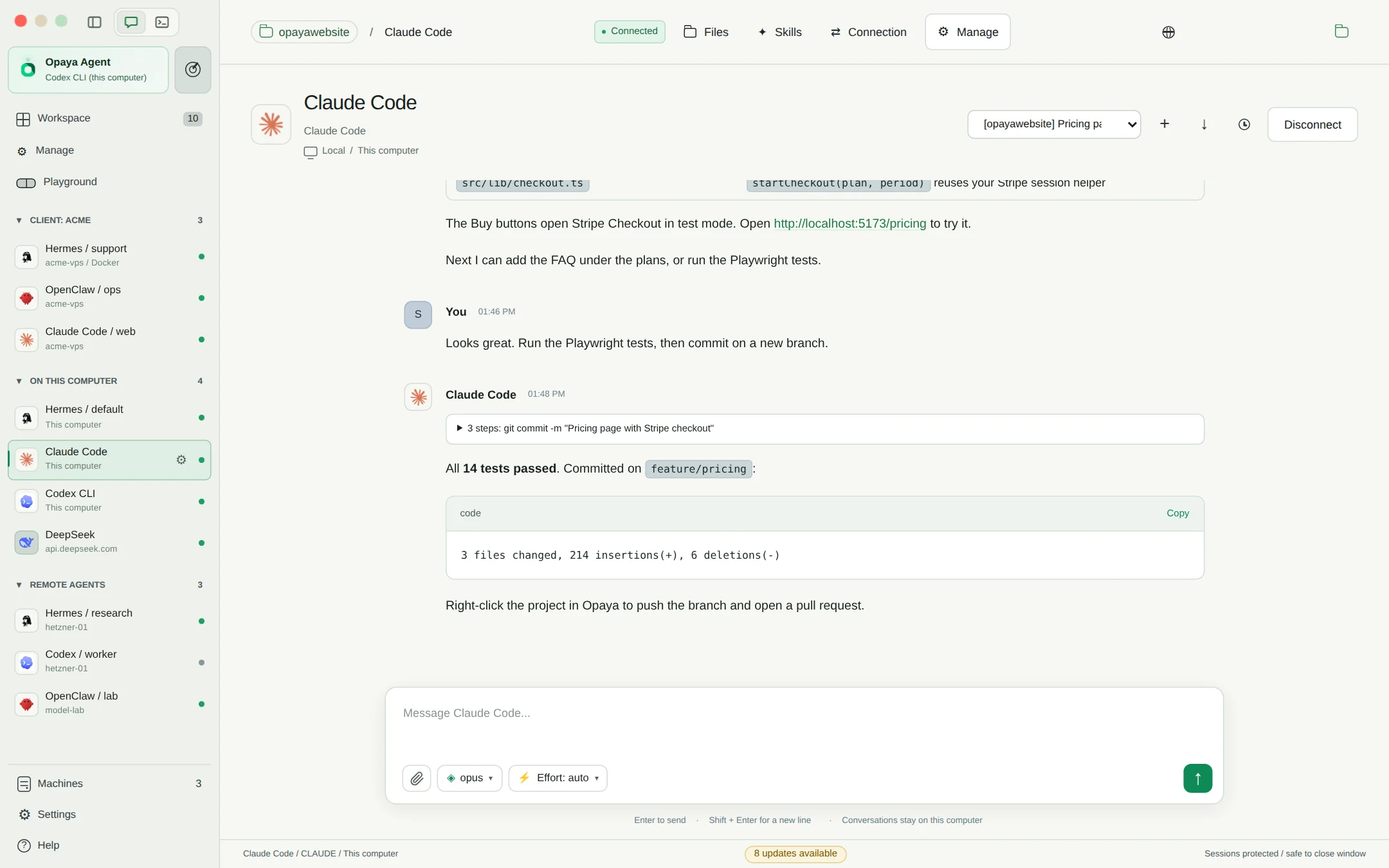
- A Standardized Workspace: You will need the OPAYA desktop workspace installed on your primary machine. OPAYA serves as the control plane for installing, connecting, and managing these disparate agents in one place.
- Defined Deployment Environments: Ensure you have the necessary access to your local machine’s file system, any remote servers you plan to use for heavy compute, and a working Docker daemon if you intend to run containerized agents.
- Version Control: Git or another version control system initialized in your working directory to serve as the ultimate source of truth for agent modifications.
Step 1: Organize AI Agents by Task and Environment
The first step to manage multiple AI coding agents effectively is deliberately mapping each agent to the environment that best suits its operational requirements. Haphazardly running all agents on your local machine can lead to resource starvation, while running everything remotely introduces unnecessary latency for simple tasks. By strategically organizing your agents, you establish a predictable, highly efficient flow of information.
Local Deployments for Fast, Iterative Tasks
Agents designed for real-time code completion, syntax checking, and fast iterative drafting should be managed locally. By running these directly on your local computer, you minimize latency and eliminate external dependencies. In the OPAYA workspace environment view, you can configure your local agents to bind directly to your active project directories. This allows the agent to read your current file states instantly. The tradeoff is compute power; local agents are naturally constrained by your machine's CPU and RAM.
Remote Servers for Heavy Compute and Deep Analysis
When you need an agent to map the architecture of a massive legacy repository, generate comprehensive test suites, or perform complex dependency upgrades, you should offload this to a remote server. Connecting OPAYA to a remote server allows you to manage agents that require significant compute overhead without bogging down your daily driver. The key to preserving context here is ensuring the remote server has a synchronized, up-to-date clone of your repository.
Docker Containers for Safe Execution and Sandboxing
Code execution agents—those that actually run the code they write to test for errors—pose a security and stability risk if run directly on your host machine. These agents should always be deployed via Docker. By connecting OPAYA to your Docker daemon, you can spin up isolated, ephemeral containers where these agents can safely execute scripts, install dependencies, and crash without affecting your primary development environment. You provide context to these containerized agents by mounting specific project directories as shared volumes.
Step 2: Preserve Context with Session Reattachment
The most common way developers lose context when managing multiple agents is by misunderstanding how state is preserved. If an agent crashes, a network connection drops, or you simply need to pause work for the day, you must be able to return to your exact logical state. This requires distinguishing between true session reattachment and mere transcript review.
Transcript Review vs. Live Session Reattachment
Many basic chat interfaces only offer transcript review. This saves the text of your conversation so you can read what was discussed. However, if you start typing a new prompt, the agent must re-process the entire history to understand the context. It often loses track of unsaved draft files, in-memory variables, or active background processes. This is insufficient for professional development workflows.
Session reattachment, by contrast, involves reconnecting to the live, underlying state of the agent. When an agent runs locally, remotely, or in Docker through a managed workspace like OPAYA, the underlying process (and its temporary file states) can be kept alive or serialized. If your desktop UI disconnects from a remote server, the agent continues its work in the background. When you reconnect, you are reattaching to the live session, complete with preserved file locks, partial code drafts, and the precise context window the agent was utilizing.
Configuring Persistent Working Directories
To ensure session reattachment works across your multi-agent setup, you must implement persistent working directories. When setting up an agent in your workspace, ensure its working directory is mapped to a persistent volume (if in Docker) or a dedicated state folder (if remote). This guarantees that even if the agent process restarts, it can read its previous state files on initialization, immediately recovering its context without requiring you to manually re-explain the project.
Step 3: Standardize the Agent Handoff Protocol
When you manage multiple AI coding agents, you frequently need to pass work from one to another. For example, your remote analysis agent might generate a high-level architectural document, which you then need your local coding agent to implement. Relying on copy-paste is error-prone. Instead, you need a standardized handoff protocol.
Because OPAYA unifies local, remote, and Docker environments, you can use the file system itself as the communication layer between agents. Create a repeatable handoff workflow using the following checklist:
- Create the Context Document: Instruct Agent A (the architect) to write its findings, structural plans, or boilerplate code into a standardized markdown file (e.g.,
.ai-handoff/feature-spec.md). - Commit Intermediate States: Use version control to commit this intermediate state. This creates a snapshot you can safely revert to if Agent B misinterprets the instructions.
- Synchronize Environments: Ensure the environment where Agent B resides has access to this handoff file. If Agent B is in Docker, confirm the volume mount includes the
.ai-handoffdirectory. - Use Standardized Activation Prompts: Use a precise prompt template to activate Agent B. For example: "Review the technical specification in `.ai-handoff/feature-spec.md`. Using this as your strict context, implement the described database schema in `src/db/schema.sql`."
Verification Checklist: Testing Your Multi-Agent Workflow
Before relying on this multi-agent architecture for production-critical code, you must test the fault tolerance and context retention of your setup. Run through this verification checklist:
- Verify Directory Binding: Can the local agent and the Docker-based agent both successfully read a text file created by the other in the shared workspace directory?
- Test Disconnection Recovery: Start a long-running code generation task on a remote agent. Intentionally disconnect your local network or close your workspace. Reconnect and confirm the session reattaches gracefully without losing output.
- Check Version Control Boundaries: Ensure your agents are not automatically committing experimental code to your main branch. Verify they respect
.gitignorerules, especially regarding temporary environment variables. - Confirm Handoff Clarity: Have Agent A write a complex instruction set into a file, and verify that Agent B parses it correctly without requiring manual verbal clarification from you.
Handling Edge Cases and Limitations
Even with a robust workspace orchestration strategy, edge cases will arise when you manage multiple AI coding agents concurrently. Navigating these limitations is critical for maintaining a smooth operation.
Context Window Exhaustion
As multiple agents iterate on a project, the accumulated context (files, logs, chat history) can easily exceed the token limits of your underlying LLM models. When this happens, an agent may begin "hallucinating" or forgetting earlier instructions. To mitigate this, enforce a practice of context summarization. Before handing off a long-running project, instruct the current agent to generate a concise state summary and clear its own memory buffer. Feed only the new summary document to the next agent.
Concurrent File Modification Conflicts
If you mistakenly configure two distinct agents to work on the exact same file simultaneously, you will encounter race conditions and file corruption. To prevent this, strictly enforce architectural boundaries. Only one agent should have write-access to a specific module at a time. Within Docker, you can enforce read-only volume mounts for agents that only need to analyze code, reserving write-access solely for the agent actively responsible for implementation.
Frequently Asked Questions (FAQ)
Can I share my local agent's context directly with a remote agent?
Direct memory-to-memory sharing between isolated agents is rarely supported due to differences in underlying architectures. The most reliable, deterministic way to share context across machines is by serializing the state to the file system (e.g., writing a comprehensive markdown summary) and ensuring both the local and remote environments are synchronized via Git or a shared network drive managed by your workspace.
Why do my Docker-based agents lose their memory when restarted?
Docker containers are ephemeral by design. If you run an agent inside a container without configuring external volume mounts, all data—including conversation history, draft files, and context databases—is destroyed when the container stops. You must configure your agent workspace to mount a persistent local directory into the container's designated working path to enable full session reattachment.
Is it secure to run untrusted AI-generated code on a remote server?
Running unverified code directly on the host OS of a remote server is highly risky. It is strongly recommended to use a nested approach: use OPAYA to connect to your remote server, and then deploy the code-execution agent inside a strictly limited Docker container on that server. This limits the blast radius if the agent generates destructive commands.
Streamline Your Workflows with OPAYA
Managing multiple AI coding agents does not have to result in fragmented context and endless copy-pasting. By intentionally organizing your agents across local, remote, and Docker environments, establishing clear session reattachment protocols, and enforcing file-based handoff checklists, you can build a highly resilient automated development pipeline.
If you are tired of managing a messy web of disparate agent interfaces, fragmented terminal windows, and disjointed SSH sessions, it is time to consolidate your toolchain. OPAYA is a desktop workspace built precisely for this purpose—giving developers and operators a unified, professional environment to install, connect, and manage AI agents on local computers, remote servers, and Docker containers. Explore how a unified workspace can eliminate context loss and streamline your multi-agent architecture today.