 opaya
Codex vs Claude Code vs OpenClaw: Which Agent for Which Job
Different defaults, different jobs.
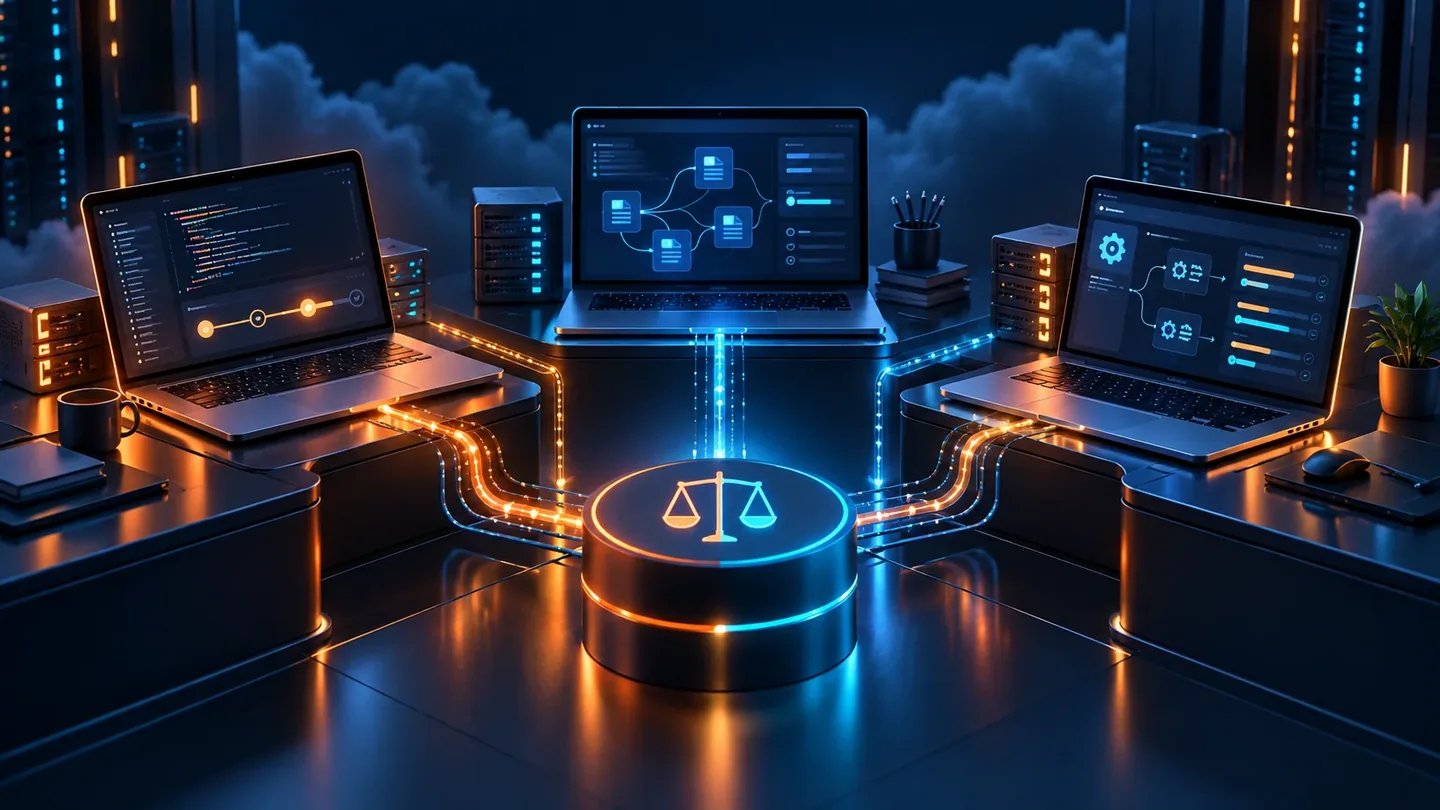
Any useful Codex vs Claude Code vs OpenClaw comparison should start with a caveat: the important differences are not in the prompts. They are in where the agent runs, what it can touch before asking you, how it carries context across a long task, and how much surrounding machinery your team has to own to keep it predictable. All three tools can read a repository and change files, but they are built around different defaults—and those defaults decide which jobs they are good at.
This comparison is for teams standardising on OpenAI Codex that want to know when to reach for something else, not for readers looking for a single winner. The Codex and Claude Code details below are drawn from their official documentation (see the sources note at the end). OpenClaw is covered at a category level only because no official documentation was supplied for this article; treat those paragraphs as directional and verify them against the project's own repository before you plan around it.
Quick answer: match the agent to the shape of the work
- Codex: the strongest default for repository work when you want sandboxed local execution, delegated cloud tasks, and pull-request review.
- Claude Code: the better fit when you need a terminal-native agent with granular pre-authorisation, headless automation, and SDK or script integration.
- OpenClaw: the closer fit when you need a self-hosted, always-on runtime for operational work and data cannot leave your network—provided you can own its security and uptime.
The rest of this guide explains the criteria behind that mapping, the trade-offs to verify, and the scenarios where each default makes sense.
Different defaults, different jobs
Stripped down, the three tools have different centres of gravity.
Codex is organised around sandboxed execution with a handoff to delegated tasks. You can work locally in the CLI or an IDE extension with a defined sandbox and approval policy, or hand a task to a cloud environment that has repository access and can open a pull request. The design assumption is that a well-scoped task can be described once and run with a bounded blast radius, sometimes in parallel with others.
Claude Code is organised around a terminal-native agent with an explicit permission ladder. It asks before doing things that change your machine, and it lets you pre-approve or deny specific tool calls, commands, and paths in settings. It also has a documented headless mode and an SDK, which makes it easier to put inside scripts and pipelines rather than at a keyboard.
OpenClaw sits in a third place: a self-hosted, open-source runtime that generally runs on your own hardware and connects agents to messaging-style front ends and a skills or extension system. It is closer to a personal operations assistant you host than to a repository-centric coding product, and it assumes you are willing to administer it.
None of this is a limitation. It is a description of what each tool optimises for when nobody has configured it yet.
Five decision criteria that matter more than feature lists
Five axes matter repeatedly in practice. Score your own work against these before comparing feature lists.
1. Shape of task and blast radius
Is the work a bounded change you can describe in a ticket—a dependency bump, test coverage for one module, or a migration of one call pattern? Or is it exploratory, where the next step depends on what the last command printed? Bounded tasks reward background execution and parallel runs. Exploratory work rewards a tight interactive loop with cheap interruption.
2. Approval model
Ask three questions: what is the default when nobody configures anything, can approvals be pre-scoped rather than granted one prompt at a time, and is the resulting trail reviewable after the fact? Approval design determines whether an agent is usable by one confident developer and unusable by a team with a shared production repository.
3. Context handling
How does the tool receive standing instructions such as repository files and global settings, what happens when the context window fills, and can you rewind a wrong turn? Every serious agent now has some version of these mechanisms; the differences are in where the instructions live and whether they are version-controlled with the code.
4. Execution location
Local workstation, local container, remote VM, or vendor cloud. This is often decided by network reality rather than preference—private package registries, databases reachable only from a VPC, or laptops that should not hold production credentials.
5. Standardisation cost
The cost of making twenty developers behave the same way. It includes how instructions are distributed, how credentials and environment variables are provisioned, how much per-repository configuration has to be maintained, and how new joiners get from zero to a first useful task.
OpenAI Codex: sandboxed local work with delegated cloud tasks
Per the official Codex documentation, Codex is available through a CLI, an IDE extension, and cloud-based task execution, with an integration for automated pull request review. The CLI runs on your machine and applies both a sandbox and an approval policy: configurations range from read-only operation through workspace writes to broader local access, and network access is controlled separately. In practice, this gives you a defensible default—the agent can read and reason freely, and escalates when it wants to write or fetch.
Standing instructions are supplied through AGENTS.md files, which can live at repository and subdirectory level, so guidance for a monorepo package can sit next to that package. Configuration lives in a TOML config file that also covers MCP server connections and profiles, which is what makes a shared team setup distributable rather than folkloric.
The cloud side is the distinguishing piece. A delegated task gets its own isolated environment with the repository checked out, can run the project's own tests and linters, and can return a pull request for a human to review. That is a genuinely different workflow from pair-programming: you write the specification, walk away, and review a diff.
Strengths: a clear sandbox-and-approval story you can explain to a security reviewer; a natural fit for parallel, well-scoped work; instructions that travel with the repository; pull-request output that drops into existing review habits.
Limits: cloud delegation needs a connected repository and a task that can be described up front; exploratory work that depends on a fast local feedback loop is better done in the CLI; and the value of the whole setup collapses if AGENTS.md files are stale or nobody maintains the shared config.
Claude Code: terminal-native work with fine-grained permissions
Anthropic's documentation describes Claude Code as an agentic coding tool that lives in your terminal and understands your codebase, with additional surfaces including IDE extensions, a web and desktop experience, GitHub Actions, and a documented headless mode invoked from the command line with structured JSON output, plus an Agent SDK.
Its permission system is the part teams should study. By default it asks for approval before running commands or modifying files, and permission modes shift that baseline—for example, a plan mode where it describes what it intends to do without executing, an edits-accepting mode, and a bypass mode intended for isolated environments. On top of that, allow and deny rules in settings files let you pre-scope which commands and paths are acceptable. Hooks let you attach your own commands to lifecycle events, which is how most teams wire in formatting, linting, or policy checks.
Context handling is similarly explicit: project and user memory files provide standing instructions, subagents can be given their own context windows for side work, the tool compacts conversation history automatically as it approaches the limit, and checkpoints allow rewinding to an earlier state.
Strengths: the most granular pre-authorisation model of the three, which matters in regulated or shared environments; excellent scriptability through headless mode and the SDK; strong fit for engineers who already live in a shell and want an agent inside existing tooling.
Limits: the flexibility is also the burden—permission rules, hooks, and memory files need design, and a permissive bypass mode is exactly as dangerous as it sounds if applied outside a disposable environment; and because it is terminal-first, teams without that habit pay an onboarding tax.
OpenClaw: a self-hosted runtime, not a delegated coding task
OpenClaw is an open-source, self-hosted agent runtime. Publicly, it is best understood as a gateway that keeps an always-on assistant running on hardware you control and exposes it through messaging-style interfaces, extended with skills and tool integrations. That architecture has real consequences: your data path stays inside your own network, you choose the models behind it, and the agent can reach internal systems that no vendor cloud can see.
It also means you inherit operations. Uptime, updates, secrets, sandboxing, and access control are yours. Because this article had no editor-supplied official OpenClaw documentation to cite, we deliberately avoid claims about specific features, supported channels, or configuration formats here—verify each of those against the project's own repository and release notes before adopting it, and note that the project has been renamed more than once, so older tutorials may describe a different generation of the same codebase.
Strengths: data residency and full control over the execution environment; useful where the work is operational and cross-tool rather than a single repository diff; a credible option when procurement rules forbid sending source code to a vendor cloud.
Limits: you own the security posture; there is no vendor-managed approval UI to inherit; and the effort is ongoing rather than one-off. For a team whose main need is reviewing pull requests, it is usually more machinery than the job requires.
Codex vs Claude Code vs OpenClaw: side-by-side comparison
| Criterion | Codex | Claude Code | OpenClaw |
|---|---|---|---|
| Centre of gravity | Sandboxed local work plus delegated cloud tasks and PR review | Interactive terminal agent with scriptable headless mode | Self-hosted always-on runtime with chat-style front ends |
| Approval model | Sandbox plus selectable approval policy; network controlled separately | Ask-by-default with permission modes, allow/deny rules, and hooks | Whatever you build around it; no vendor-managed approval layer |
| Standing instructions | AGENTS.md at repository and directory level, plus TOML config |
Memory files at project and user level, plus settings and hooks | Project-specific; confirm in the repository |
| Long-task handling | Isolated cloud environment per task; review a diff afterwards | Automatic compaction, subagents, checkpoints for rewind | Depends on your deployment and model routing |
| Where it runs | Your machine, your IDE, or OpenAI's cloud sandboxes | Your terminal and IDE, or inside your own CI | Your own servers or hardware, by design |
| Main ongoing cost | Maintaining shared config and task specifications | Designing permission rules and pipeline integration | Operating, patching, and securing the runtime |
Example scenarios: which agent fits which job?
Paying down test debt across ten services
This is a specification-first job: each service can be described independently, the definition of done is objective, and the work parallelises. Codex cloud tasks fit well—write a precise brief per repository, let the environment run the suite, and review pull requests in a batch. Claude Code could do the same via a CI job in headless mode, and would be the better choice if your quality gate depends on custom hooks.
Debugging a flaky integration test with a private staging database
Here the loop is exploratory and the network is constrained. A terminal agent with a tight approval prompt and easy interruption—Claude Code, or Codex CLI in a permissive-enough sandbox—will outperform anything that runs remotely. OpenClaw is relevant only if the staging environment is already inside your own network and you want the agent resident there.
An always-on assistant for on-call triage
Nobody wants a pull request here; they want a system that watches, summarises, and drafts a response at 03:00. That is the self-hosted runtime shape. OpenClaw is the closer fit, with the caveat that you are now running production-adjacent infrastructure and must treat it as such.
Enforcing policy across twenty developers
All three require work; the question is where the work lands. Codex asks you to maintain shared configuration and repository instruction files. Claude Code asks you to design a permission matrix in settings. OpenClaw asks you to harden a host. Teams usually find the first two cheaper because the artefacts live in the repository and are reviewed like code.
The real cost of standardising a team on one agent
Standardising on one agent is a distribution problem, not a selection problem. Concretely, you will end up maintaining: an instruction file convention that reviewers enforce; a configuration template for sandbox, approval, and model settings; a secrets story that does not involve pasting keys into a config file on each laptop; a documented escalation path for when an agent wants broader access; and a way to reproduce a working setup on a new machine or a remote build host within minutes rather than an afternoon.
This is also the argument for treating agents as infrastructure rather than personal tooling. A team that has to hand-configure each engineer's machine will quietly end up with five slightly different setups and no shared expectations. A team that can install, connect, and manage agents the same way on a laptop, a remote server, and a container has a much easier time adding a second agent for a narrow job—which is usually the right answer instead of a migration.
Recommendation by use case
There is no universal winner, and any article that names one has stopped comparing and started selling. Use the mapping instead.
- Default for repository work on a team standardising on Codex: keep Codex as the primary agent. Its sandbox and approval defaults are explainable, its instruction files travel with the code, and delegated tasks plus pull-request review match how most teams already merge changes.
- When you need scripted, pipeline-embedded automation: Claude Code's headless mode, structured output, and SDK make it the easier thing to call from a script, and its allow/deny rules are the most precise pre-authorisation model described in the documentation.
- When the work is operational and data cannot leave your network: a self-hosted runtime such as OpenClaw, run by someone who will actually own its security and uptime.
- When the task is long-running and specification-friendly: delegate it, review the diff, and avoid watching it scroll.
- When the task is exploratory and your next step depends on the last output: stay in the terminal; interactivity beats delegation here.
A common and defensible end state is Codex as the default with a second agent scoped to one job—CI automation, or network-local operations—rather than a wholesale switch.
Verification checklist before you standardise
Agent documentation moves quickly. Confirm each of these yourself before writing an internal standard.
- Read the current approval and sandbox documentation for the exact tool you plan to install, and note the default behaviour when nothing is configured.
- Test the default on a throwaway repository: does it write files or run commands without asking, and where exactly is the boundary?
- Confirm how network access is controlled, and whether it can be denied for whole classes of commands.
- Verify the instruction-file convention and whether it is read from subdirectories as well as the repository root.
- Confirm where credentials are read from and whether the tool can reach production secrets on a developer laptop.
- Check that the audit trail you need actually exists—logs, diffs, pull requests—and that it survives the tool being uninstalled.
- For any self-hosted runtime, confirm supported interfaces and configuration format against the upstream repository rather than a tutorial, given past renames.
- Time a fresh onboarding: minutes from a clean machine to a first reviewed change is the number your team will actually feel.
FAQ
Is Codex or Claude Code better for large refactors?
Neither is better in the abstract; the deciding factor is whether the refactor can be specified up front. If it can, delegation with reviewable diffs scales better and parallelises. If it cannot, an interactive loop with cheap interruption will finish sooner.
Can a team run Codex and Claude Code side by side?
Yes, and many do. Both read project-level instruction files and both are configured through files that can live in or alongside the repository, so the practical cost is convention—two sets of instructions to keep in sync—rather than infrastructure.
Does OpenClaw replace Codex?
Not for repository work. It is a self-hosted runtime for keeping an agent resident and reachable, which is a different job from producing a reviewed diff. The overlap is real but narrow, and the operational burden is yours.
Which one is easiest to audit?
Look for artefacts you already review: pull requests, diffs, and logs. Codex's delegated tasks produce pull requests by design; Claude Code's permission rules and hooks make policy visible in configuration; a self-hosted runtime depends entirely on the logging you add. Auditability follows your process more than the tool.
Do any of these require cloud infrastructure?
No. All three can run against local hardware, though Codex's delegated task execution and various hosted features involve vendor-side environments. That trade-off—convenience and isolation versus data locality—is worth settling before adoption rather than after.
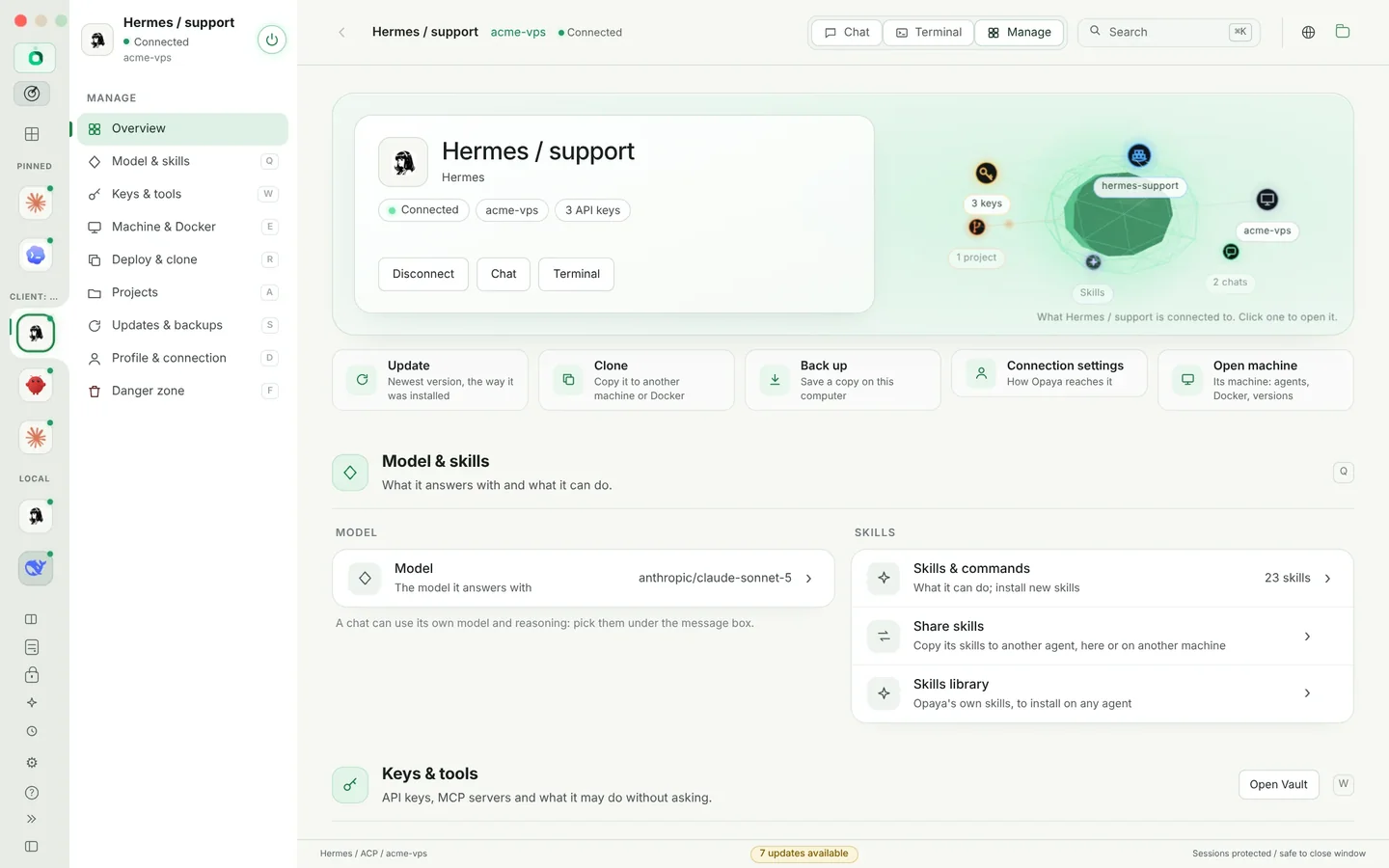
If you are standardising on Codex and want to add a second agent without rebuilding your setup, OPAYA is a desktop workspace for installing, connecting, and managing agents across local machines, remote servers, and Docker—enough structure to keep configurations consistent, while the comparison above stays a decision about work rather than tooling.
Sources: OpenAI Codex documentation at developers.openai.com/codex; Anthropic Claude Code documentation at docs.anthropic.com/en/docs/claude-code; and OPAYA product features at opaya.dev/features. No official OpenClaw documentation was supplied for this article; verify OpenClaw details against its upstream repository.
Keep reading
Running Codex on a VPS Without Losing Your Local Flow
What changes when Codex runs on a server: paths, auth, logs and how to keep the same workflow.
Read article →
Codex CLI Setup: A Practical Walkthrough
Get Codex running locally and on a server with sane defaults for approvals, sandboxing and project context.
Read article →
Running Hermes on a VPS With Telegram
Deploy Hermes to a server, connect Telegram and keep it responsive without babysitting it.
Read article →