 opaya
Running Codex on a VPS Without Losing Your Local Flow
Remote execution, local control.

Running OpenAI Codex on a VPS is the easy half of the problem. The hard half is keeping the loop you already like: you write the task on your laptop, a server does the work, and you review the result somewhere you can actually read a diff. Remote execution is only worth it if local control survives the move. This guide sets up a Codex VPS that still behaves after the first reboot: authentication that works without a browser, project paths that do not drift, sessions that outlive your SSH connection, logs you can reach, and one configuration instead of two.
What remote execution with local control should mean for Codex on a VPS
Three properties have to hold at once, and most broken setups fail on exactly one of them:
- Identity lives on the server. The agent authenticates there, not through a tunnel back to whichever laptop happens to be open.
- The filesystem boundary is explicit. The agent can write inside one workspace and read reference material, and that is the whole of its reach.
- The session is observable. Work that runs for an hour leaves a trace you can read from another machine, with an exit code attached to it.
If any of those is missing, you end up babysitting a terminal or trusting output you cannot inspect. Everything below is arranged around keeping those three intact.
Prerequisites for a stable Codex VPS setup
- A Linux VPS you can SSH into with a key, plus sudo for the initial account setup. Size it for the builds and test suites the agent will run rather than for the agent itself; CLI agent work is mostly I/O.
- Git installed, and a remote your server can reach over SSH.
- Your project's language toolchain available to the dedicated user, not only to root.
- An OpenAI account with Codex access, or an API key, plus a way to store it — an environment file with restrictive permissions is the minimum.
tmuxfor interactive sessions, and systemd user units for scheduled or unattended ones.- A decision recorded before you start: which directory is the workspace root, and which repository it holds.
Check the Codex documentation for the current install method and login flags before you script anything — command names have moved between releases, and copy-pasted flags from a blog post (including this one) go stale.
Step 1 — Create a dedicated Codex user and workspace root
Do not run the agent as root, and do not run it as your personal login user either. A dedicated account makes the permission boundary the default rather than a thing you remember to enforce.
sudo adduser --disabled-password --gecos '' codex
sudo mkdir -p /srv/agents/my-app
sudo chown -R codex:codex /srv/agents/my-app
sudo -iu codex git clone git@github.com:your-org/my-app.git /srv/agents/my-app
Cloning as the agent user matters: mixed ownership is the most common cause of dubious ownership errors from Git later, and the fix (safe.directory) hides the symptom instead of solving it. Give that user its own deploy key with write access to the repositories it needs, so revoking access is one key, not a password change.
Step 2 — Authenticate Codex on a headless VPS
Codex supports both a browser-based sign-in and an API-key path. On a VPS you have two workable options.
Option A: complete the browser sign-in over a forwarded port
The interactive login prints a URL and expects a callback on a loopback address. Copy the URL into your laptop browser and forward the callback port so the redirect lands back on the server:
ssh -L <callback-port>:127.0.0.1:<callback-port> codex@your-vps
# then, inside that session:
codex login
Substitute the port the CLI actually prints; it is the authoritative value, not the one in this example. Where the CLI offers a device-style code flow instead of a callback, prefer it — it removes the port-forwarding step entirely.
Option B: use an API key for unattended Codex runs
For scheduled or non-interactive runs, an API key in the environment is simpler and survives reboots without a re-login. Keep it in a file the agent user can read and nobody else can:
install -m 600 /dev/null ~codex/.codex-env
# write the key into ~codex/.codex-env, then reference it from the unit or shell profile
Never bake the key into a Docker image layer, a repository file, or a shell history. Treat rotation as routine: a key that only exists in one 600-mode file on one host is cheap to replace.
Verify immediately with a small, read-only task. If it succeeds, authentication is genuinely server-side and not depending on a live browser session somewhere else.
Step 3 — Pin Codex project paths and permissions
- One workspace root. The agent's working directory should be the repository root, always. Agents resolve paths relative to where they start; a habit of launching from
$HOMEor/produces surprises you will only find in a diff. - No symlinks out of the tree. If you need shared reference data, mount it read-only instead of symlinking into someone's home directory.
- Set a restrictive umask for the service (for example
0077) so files the agent creates are not world-readable by default. - Separate users per client project if you host work for more than one organisation. It costs a few minutes and prevents a class of cross-contamination you cannot easily audit later.
- Do not add the agent to
dockerorsudogroups unless the task genuinely needs container control. Group membership is effectively root in both cases.
Step 4 — Keep Codex sessions alive after SSH disconnects
An SSH disconnect should not kill an hour of work. For interactive use, run Codex inside tmux and detach with the usual key sequence; reattach from any machine. For unattended runs, use a systemd user unit so the process is supervised rather than orphaned:
loginctl enable-linger codex
systemd-run --user --unit=codex-refactor --working-directory=/srv/agents/my-app codex exec 'Split the billing module and run the test suite'
journalctl --user -u codex-refactor -f
enable-linger is the part people forget: without it, user units stop when the last session for that user ends. Non-interactive execution (the exec subcommand in recent releases) is what makes this automatable — check the current subcommand name and flags in the docs. Set a timeout on anything unattended, and treat a non-zero exit code as a signal to read the log rather than to retry blindly.
Step 5 — Make Codex logs reachable from your laptop
Logs are the difference between a remote agent and a remote mystery. Three habits cover most of it:
- One stream per task. A journal unit, a timestamped file under
~/logs, ortmux pipe-paneto capture an interactive session. Pick one so you always know where to look. - Record the exit code alongside the output. "Finished" without a status is not information.
- Rotate. A verbose agent can produce a lot of output fast; an unrotated log directory is a disk-full incident waiting for a weekend.
Read them over SSH (journalctl --user -u ... -f, tail -f) or pull them down with rsync. Do not open a log port to the public internet to make reading them convenient.
Step 6 — Avoid duplicated Codex configuration across laptop and VPS
The classic failure is a laptop config and a server config that start identical and diverge within a week: different model defaults, different approval settings, different instruction files. Then results differ, and you cannot tell whether that is the code or the environment.
- Put shared instructions in the repository. Codex reads project guidance files such as
AGENTS.mdfrom the working tree, which means they travel with the code and are identical on every machine by construction. Anything about conventions belongs there, reviewed like any other file. - Version the machine-level config, not its secrets. Codex keeps its own configuration in a config file under the user's home directory (currently
~/.codex/config.tomlin recent releases). Keep a copy in a dotfiles repo or your provisioning script, review changes to it, and keep credentials out of it. - Diff the two machines occasionally. A one-line
diffbetween laptop and server config catches drift before it becomes a debugging session.
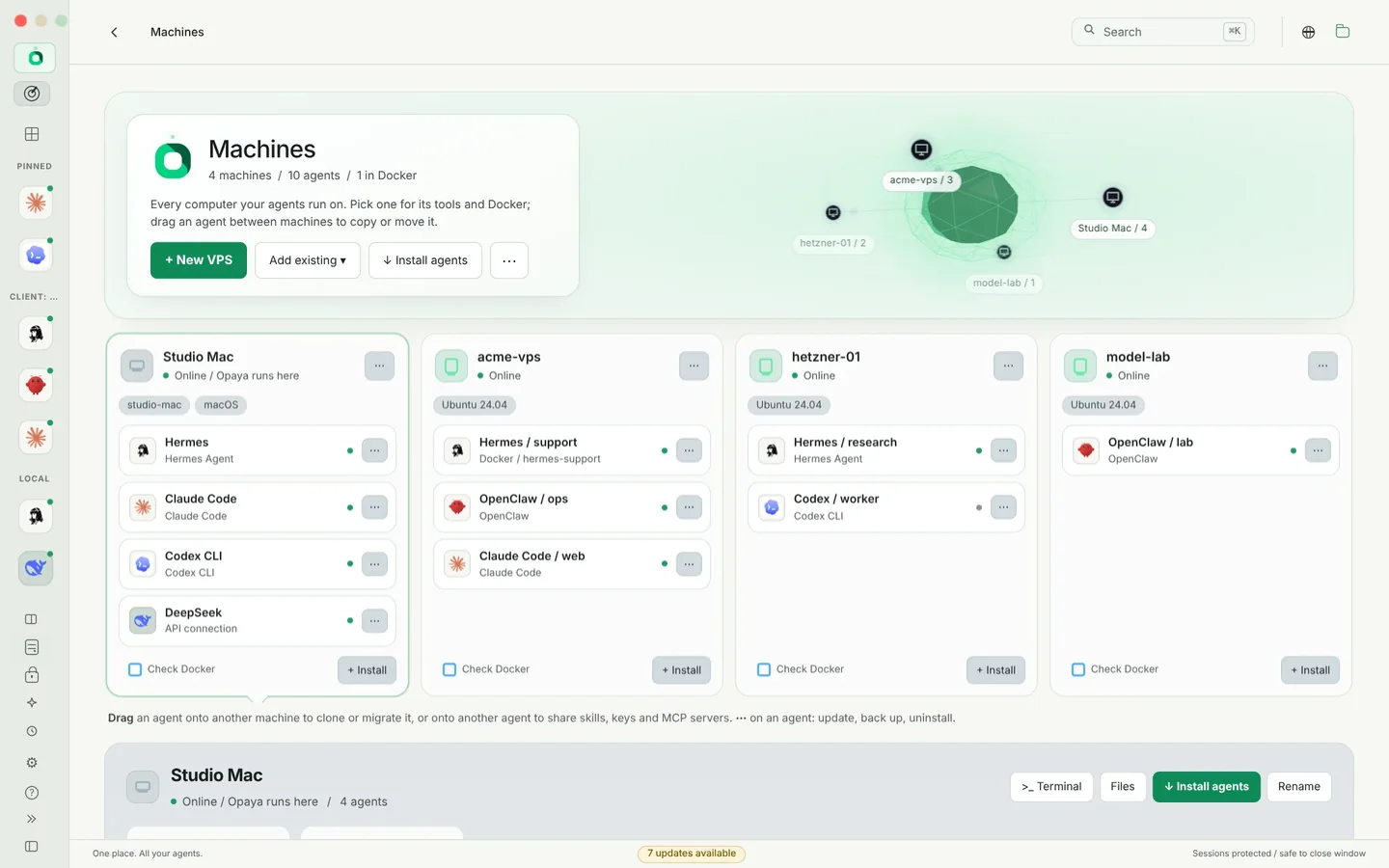
If you are managing more than one agent host — a laptop, a VPS, and a Docker container or two — the bookkeeping is where time leaks. OPAYA's agent manager is a desktop workspace for installing, connecting and managing agents across local machines, remote servers and Docker, which is the layer that keeps you from hand-maintaining three divergent setups. Check the product page for what is supported today rather than assuming a capability.
Step 7 — Keep the laptop for Codex diff review
Move execution, not judgement. The pattern that works: the agent works on a branch on the server, pushes it, and you pull it locally to read the diff in your editor with your own tooling, tests and eyes. Concretely:
- Branch, never commit to
main. Protect the default branch server-side so this is enforced rather than remembered. - Let CI run on the pull request. The server's test run is evidence, not proof — a second environment is a cheap second opinion.
- Review by diff, not by narration. The agent's summary of what it changed is a lead, not a finding.
- Forward ports for anything visual. If you need to click through a UI, use an SSH local forward instead of exposing the dev server.
Test checklist for your Codex VPS setup
Run this after setup and again after any significant change to the host.
- Reboot the VPS. Run a trivial task without re-authenticating; it should succeed.
- Ask the agent to write to a path outside the workspace. It should fail with a permission error, not silently succeed.
- Confirm the agent user cannot run
sudoand is not in thedockergroup. - Start a long task, close the SSH session, reconnect. The task is still running and its log is still growing.
- Check the exit code of a deliberately failing task — it should be non-zero and visible in the log or unit status.
- Confirm the log directory rotates and the disk has headroom.
- Diff the machine config against your laptop's copy; the only differences should be intentional.
- Confirm the agent cannot push directly to the protected branch.
Edge cases and failure modes for remote Codex runs
- Tokens expiring mid-job. Interactive sign-ins can lapse. Long unattended jobs should use the API-key path, and the job should fail loudly rather than hang.
- Line-ending and file-mode noise. Agents editing files from a Windows checkout can produce diffs full of whitespace or mode changes. Enforce a
.gitattributesand checkcore.fileMode. - Git ownership errors. Usually a symptom of running commands as the wrong user. Fix the ownership; do not paper over it with
safe.directoryon the wrong account. - Disk exhaustion. Dependencies, caches and logs on a small VPS fill faster than expected. Alert on disk usage before it takes the box down.
- Egress restrictions. Some VPS networks block or throttle outbound traffic the toolchain expects. Test package installation and API calls separately so you can tell which one is blocked.
- Concurrent sessions on one repository. Two agents in the same working tree produce confusing diffs. Use separate clones or a lock file per repository.
- Secrets reaching a commit. Give the agent user no read access to anything it does not need, and scan the branch before review, not after merge.
Frequently asked questions
Can Codex run on a server with no browser at all?
Yes. Either complete the browser sign-in on your laptop with the callback port forwarded to the server, or use the API-key path for unattended work. The interactive flow needs a browser somewhere; the key flow does not.
Should the agent run as root to avoid permission problems?
No. Root turns every prompt-injection or misfire into a host compromise. A dedicated user with write access to one workspace and read access to nothing sensitive is the whole point of the setup.
How do I stop long jobs from dying when I close my laptop?
Run them under a supervisor: tmux for interactive sessions, or a systemd user unit with loginctl enable-linger enabled for unattended ones. A plain SSH session is not a supervisor.
Where should the logs live?
One predictable place per task — a journal unit, a timestamped file, or a piped tmux pane — with rotation configured and the exit code recorded. Read them over SSH rather than exposing a log endpoint.
Can the laptop and server share one Codex configuration?
Share the parts that belong to the repository (guidance files such as AGENTS.md) and version the machine-level config without its secrets. That gives you one source of truth for behaviour and per-machine credentials.
Do I need a GPU or a large instance?
Usually not. Codex work on a VPS is dominated by file I/O and the builds and test suites it triggers, so size for those. A modest instance is often enough; the constraint is usually memory during test runs, not the agent.
Next action: run one repository through the loop
Do one repository this week: create the dedicated user, clone into /srv/agents/<project>, finish the headless login, run a single non-interactive task under a systemd user unit, then read the log from your laptop and review the resulting branch locally. If that loop feels the same as working on your own machine, add the second repository. If it does not, the missing piece is almost always one of the three properties at the top — identity, boundary, observability — and it is cheaper to fix that than to add tooling on top of it.
When you are ready to standardise across several hosts, OPAYA is a desktop workspace for installing, connecting and managing agents on local computers, remote servers and Docker — a reasonable place to consolidate the per-machine setup described here. Start with the agent managers overview.
Keep reading

Codex vs Claude Code vs OpenClaw: Which Agent for Which Job
A task-based comparison of three coding agents: where each one fits and what to check before standardising.
Read article →
Codex CLI Setup: A Practical Walkthrough
Get Codex running locally and on a server with sane defaults for approvals, sandboxing and project context.
Read article →
Running Hermes on a VPS With Telegram
Deploy Hermes to a server, connect Telegram and keep it responsive without babysitting it.
Read article →