 opaya
From Prompt to Production: Shipping a Vibe-Coded App
The boring steps that make fast builds survive.

A vibe-coded app can reach "it works on my laptop" in an afternoon. Getting it to "it works for a stranger on a phone at 11pm, and I can undo it if it doesn't" is a different job—one that is mostly boring. This guide is that boring list: a repository you control, secrets out of the prompt, a staging copy, a domain you control, error logging from the first deploy, a rollback path you have actually tested, and a real look at the mobile view. None of it is the fun part. All of it is what lets a fast build survive contact with users.
What shipping actually means for a vibe-coded app
An AI coding agent optimises for the next visible result: the page renders, the button posts, the test passes. Production asks different questions. What happens when the API key expires at 2am? What happens when the agent's next commit touches a file you hardened by hand? Who gets the error when a payment webhook fails? None of those questions are answered inside the chat window, and none of them require you to slow down your build loop—they just require a few things to exist outside it.
Treat the agent as a fast, confident contributor who has never been on call. You still own the deploy, the credentials, and the exit.
Prerequisites: what to set up before you ship
- A Git repository you own on a host you can keep access to, with the agent committing to branches rather than pushing straight to the default branch.
- A hosting account that supports preview or staging environments as well as production, and that shows you deploy history.
- A domain registered in your own name, with DNS you can edit. This is the single most portable asset you have.
- An error logging account—a hosted service or your platform's log drain, whichever you will actually read.
- A place to keep secrets outside the repository: the hosting platform's environment variable store, a secrets manager, or a password manager you copy from manually.
- Ten minutes of honesty about how you will roll back—a previous deploy, a tagged commit, or a feature flag.
Step 1: Put the code in a Git repository you control—and commit the lockfile
If you started in a browser sandbox or a vendor's project workspace, export to a repository that lives under your account before you do anything else. Confirm that a fresh clone builds on a machine that has never seen the project—that is the only proof the app is not held together by cached installs on your laptop.
Then commit the lockfile. An agent that regenerates dependencies on every run can silently move you onto a new minor version the day before launch. The lockfile is the cheapest stability you will ever buy.
Two habits keep the repository honest while an agent works in it:
- Ask for one branch per change, and read the diff before merging. Large unreviewed diffs are where manual hardening disappears.
- Keep a short
NOTES.mdlisting things you changed by hand and do not want regenerated—CORS rules, environment variable names, the mobile viewport fix. Agents read files; they do not read your memory.
Step 2: Move secrets out of prompts and into environment variables
Every credential you paste into a chat window should be treated as compromised from that moment on. Prompts can be retained, logged, or summarised into context, and you cannot audit where the text went. The practical rule: never paste a value that grants access, and rotate anything you already did.
The working pattern is dull and reliable. Values live in the environment, the code reads them by name, and the repository contains only a description of what is needed:
# .env.example — committed, contains no real values
DATABASE_URL=
STRIPE_SECRET_KEY=
SESSION_SECRET=

# .env.local — never committed
DATABASE_URL=postgres://...- Add
.env*to.gitignorebefore the first commit, and check that the ignored list actually matches the filenames your framework generates. - Give the agent the variable name and the shape of the value, not the value. "Read
DATABASE_URLfrom the environment" is enough context for it to write the code. - Use different credentials per environment. A staging key that can reach production data is not a staging key.
- Search the built output for anything that looks like a key. Framework prefixes such as
NEXT_PUBLIC_orVITE_push values into the client bundle, and an agent will happily use them for a secret it thinks the browser needs. - Rotate after launch. Any key that existed during a long build session with an agent is a key you have lost track of.
If you have already leaked something, rotation is the fix—not deleting the message. Deleting the chat does not revoke a token.
Step 3: Set up staging before you need it
Staging exists so that "does this work?" is a question you answer somewhere other than in front of users. Most managed hosts treat it as a branch: push to a staging branch, get an environment with its own variables and its own database. If yours does not, a second project pointing at the same repository with a different branch is close enough.
What matters is that staging differs from production in exactly two ways: the data, and the credentials. If the runtime, build command, environment variable names, and database engine differ, staging will pass tests that production fails, which is worse than having no staging at all.
- Seed staging with synthetic or scrubbed data. Copying production rows into a lower-trust environment is how personal data ends up in a screenshot.
- Give staging its own OAuth client, webhook endpoint, and callback URLs. Third-party consoles usually allow one callback per environment.
- Protect the staging URL with basic auth or your platform's access control. An open preview deployment is a public app with a weaker password policy.
Step 4: Point a domain you control at staging first
Buy or reuse a domain in your own name, not one the hosting platform assigns you. Platform subdomains are fine for testing, but your users' bookmarks, your email sender reputation, and your ability to change hosts all depend on DNS you control.
- Add the apex and
wwwrecords at your registrar or DNS provider, and decide which one is canonical. - Point
staging.yourdomain.comat the staging environment, and confirm TLS is issued before you touch production. - Set a low TTL on records you are about to change, and raise it again once things settle.
- Update every absolute URL in the app—canonical links, sitemap, email templates, webhook callbacks, OAuth redirects, and the social preview image—to the new domain. Agents generate these as hard-coded strings more often than you would like.
Doing DNS on staging first means the production cutover is a record you have already changed once, on a day when nobody is waiting.
Step 5: Turn on error logging from the first deploy
You cannot fix what you cannot see, and the first production bug usually arrives without a stack trace attached. Wire error reporting before the first real user, not after the first complaint.
- Install the error SDK in both staging and production, tagged with an environment name so you can tell them apart in the dashboard.
- Capture unhandled exceptions on both client and server. A white screen in the browser is invisible to server logging.
- Add a
/healthendpoint that checks the database connection and returns a status. It gives your host something to monitor and gives you a one-second smoke test. - Make sure source maps upload during the build, or client errors will point at minified line one.
- Trigger a deliberately harmless test error once, in staging, and confirm it arrives. An unverified error reporter is roughly as useful as no error reporter.
Keep the volume honest: log errors, not a stream of debug lines. Alerting on everything trains you to ignore alerts.
Step 6: Define and test your rollback path before you deploy
Decide how you undo a bad release while you are calm. There are three common answers, and you should know which one applies to your app:
- Redeploy the previous build. Works if your host keeps deploy history and your database did not change. Know where that button is before you need it.
- Revert the commit and redeploy. Use
git revertrather than a force-push, so the history shows what happened. This still does not undo a migration. - Turn the feature off. A flag around a new, risky path is cheaper than a rollback and buys you time to fix forward.
Migrations are the part agents get wrong quietly. Before deploying, read every migration the agent generated and ask two questions: does it drop or rename anything, and can the previous version of the code still read the new schema? If the answer to the second question is no, deploy the schema change separately from the code, so the two are not one atomic gamble. Test the rollback once in staging while the app is still small enough that it is boring.
Step 7: Check the mobile view on real devices
Desktop browser devtools at 390px wide are a useful first pass and a poor final check. Emulation does not reproduce touch handling, the on-screen keyboard resizing the viewport, iOS Safari's quirks, or a slow mobile network. Open the deployed staging URL on a real phone, on both platforms if you can borrow one.
What to look at, in order:
- The viewport meta tag exists, and nothing scrolls sideways. Horizontal overflow is the most common generated-layout bug.
- Form inputs use the right
typeandautocompletevalues so mobile keyboards do not fight the user, and text inputs are at least 16px so iOS does not zoom on focus. - Tap targets are comfortably large and not stacked on top of each other; sticky headers and cookie banners are frequent offenders.
- Anything fixed to the bottom respects the safe area on notched devices.
- The page is usable on a throttled connection and a mid-range Android device, not just a recent iPhone on office Wi-Fi.
- Auth flows complete on mobile: magic links open in the right browser, and OAuth redirects return to the domain you configured.
Step 8: Deploy to production with a repeatable smoke test
Merge to your default branch with the environment variables already set, then run the same short list every time: load the home page, sign up with a throwaway account, perform the one core action your app exists for, check the error dashboard for new events, and hit /health. Five minutes of repetition catches the class of failure where the build succeeds and the app is still broken because a variable name was misspelled in production only.
Where the coding agent runs: laptop, server, or Docker
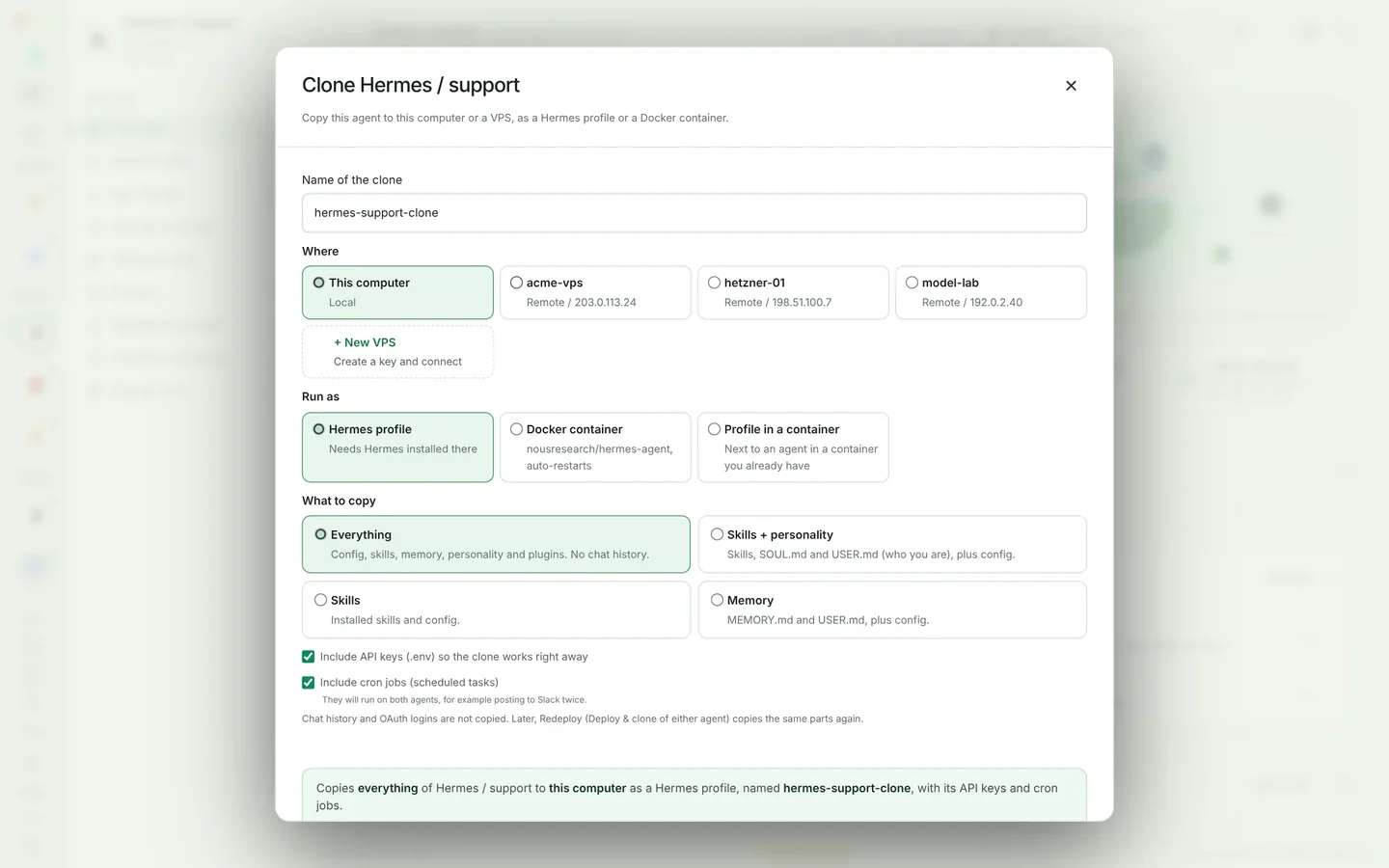
OPAYA is a desktop workspace for installing, connecting, and managing AI agents on local computers, remote servers, and Docker. Its product pages describe the same separation this guide argues for: the agent that writes and runs commands is one thing, and the environment serving your users is another. Keeping an agent in a container or on a server you manage means its working environment can carry the configuration it needs—branch, build command, non-production credentials—without those values being pasted into a conversation. It also means you can see which agents are connected to which machine, which is useful once you have more than one project in flight.
That is organisational convenience, not a substitute for the steps above. You still decide what the agent may touch, and you still own the domain, the production credentials, and the rollback.
Production readiness checklist before launch
- A fresh clone builds and runs with only the documented environment variables.
- No secret values in the repository, the client bundle, or the build logs.
- Lockfile committed; dependency install is reproducible.
- Staging and production use identical runtime, build command, and variable names.
- Staging data is synthetic, and staging is not publicly indexable.
- DNS for apex,
www, and staging resolves with valid TLS. - Absolute URLs, OAuth callbacks, and webhook endpoints point at the real domain.
- Error reporting verified with a test exception in both staging and production.
/healthreturns green and is monitored.- A previous deploy or a revertable commit exists, and the rollback was tested in staging.
- Migrations reviewed; no destructive change without a compatibility plan.
- Core flow completed on a real iOS and Android device with a real keyboard.
- Backups or point-in-time restore exist for the production database, and you know the retention window.
Edge cases to plan for before launch
- The agent rewrites hardening you added by hand. Keep those changes small, documented, and in files the agent is told not to regenerate. Re-read the diff after every large prompt.
- Environment drift. Names diverge silently—
STRIPE_KEYin one place,STRIPE_SECRET_KEYin another. Diff the variable name lists between environments, not the values. - Webhooks pointing at localhost. Generated code tends to hard-code the dev URL. Check callback registrations in each third-party console after deploy.
- Preview deployments exposed. Per-branch previews are easy to leak in a shared link. Add access control or
noindexheaders, especially if they use production API keys. - Free-tier limits. Agents happily add services. Check quotas on database connections, email sends, and function invocations before a launch announcement, not during it.
- A migration that cannot roll back. If a column drop is in the diff, stop. Add the new column, backfill, deploy code that no longer reads the old one, and only then drop it in a later change.
- Noisy error reporting. Browser extensions and bot traffic generate junk. Filter known noise early, or the dashboard becomes wallpaper.
FAQ
Do I need staging for a one-person project?
You need somewhere to break things that is not production, and a branch-based staging environment on a managed host costs little to set up. If that is genuinely impossible, at minimum keep a preview deployment and never point your domain at an untested build.
How do I know whether a secret leaked into a prompt?
Assume it did if you can see it in the transcript. Rotate the credential, update it in each environment, and redeploy. Do not rely on deleting the message.
Can I ship on a platform subdomain instead of buying a domain?
You can, and for a weekend experiment it is fine. Once real users or real email are involved, a domain you control is what lets you change hosts, keep links working, and send mail that is not immediately flagged. Register it before launch, not after.
What is the minimum useful error logging setup?
An SDK that captures unhandled exceptions on client and server, an environment tag, source maps for the client, and one notification channel you actually read. Verify it with a deliberate test error.
How do I roll back if this is the first deploy?
That is exactly why the first deploy should be small and why the schema should ship separately from the code. If there is no previous build, your rollback is a flag that disables the new path, or a revert commit plus a tested migration plan.
Does responsive mode in devtools count as checking mobile?
As a first pass, yes. As a sign-off, no. Touch behaviour, keyboards, safe areas, and real device performance only show up on hardware.
Where should the coding agent run—laptop, server, or Docker?
Put it wherever the working environment is easiest to reset and easiest to keep credentials out of the chat. A container or a remote machine you manage is a reasonable default for anything connected to a real deployment; a laptop is fine for early scaffolding.
Next action: open your project tonight and do the two-step version—create the .env.example, rotate every credential that has ever appeared in a prompt, and confirm a fresh clone still builds. Once that is done, the rest of this list is a checklist rather than a rescue.
If you would rather manage the agent side of this from one place, OPAYA is a desktop workspace for installing, connecting, and managing AI agents across your local machine, remote servers, and Docker—worth a look the next time you have more than one agent and more than one environment to keep straight.
Keep reading

How to Keep a Vibe-Coded Project From Turning Into Spaghetti
A light project structure that keeps fast AI-assisted builds readable and easy to hand over.
Read article →
The Vibe Coder's Stack: Every Agent in One Window
How solo builders keep Claude Code, Codex, Hermes and local models side by side without juggling windows.
Read article →
Running Hermes on a VPS With Telegram
Deploy Hermes to a server, connect Telegram and keep it responsive without babysitting it.
Read article →