 opaya
Managing Several Claude Code Sessions Without Chaos
Parallel work needs names, not tabs.
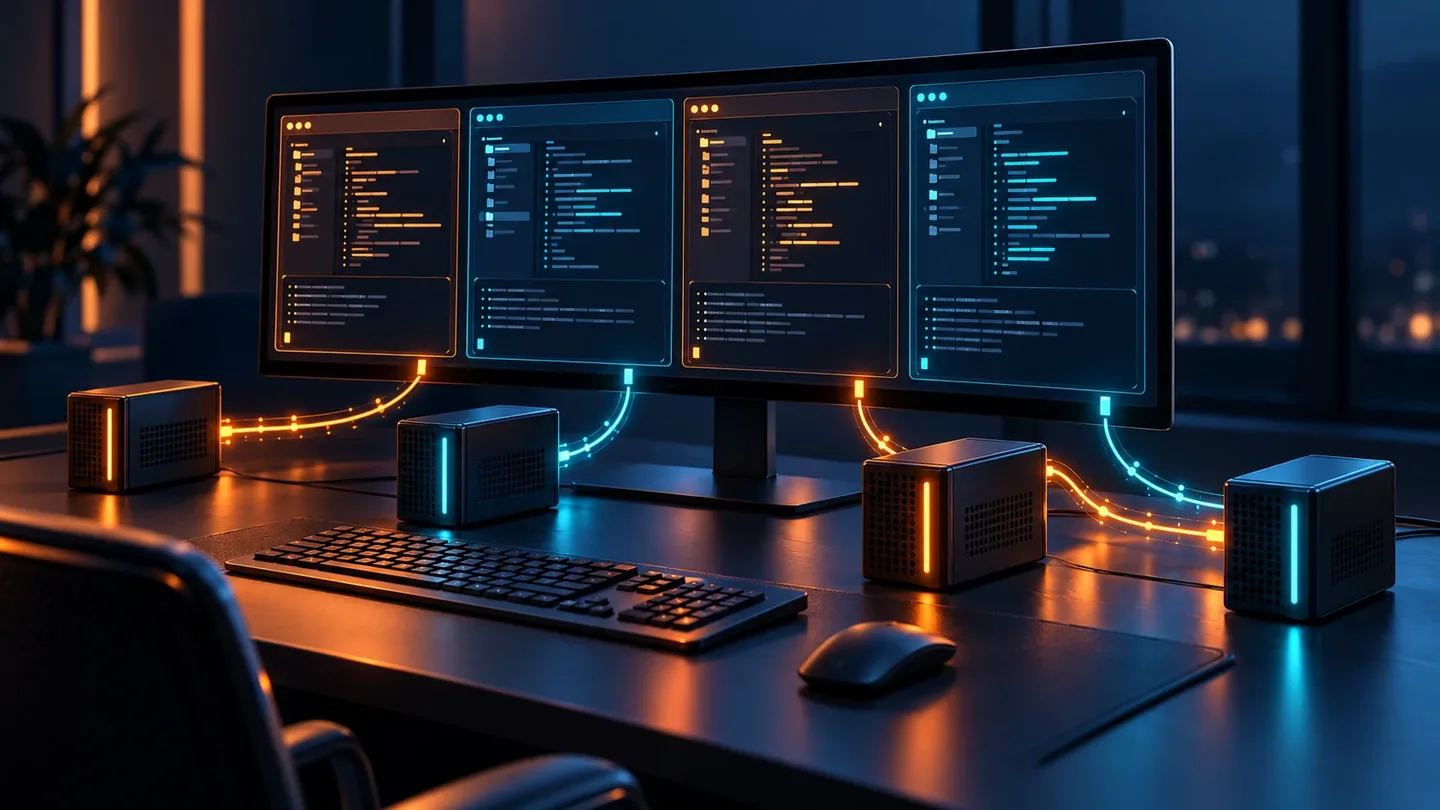
Managing multiple Claude Code sessions is easy to start and hard to keep legible. One terminal holds a refactor, another a flaky-test fix, and a third an exploratory spike you may not keep. The tabs look alike, the transcripts scroll away, and by the next morning nobody can map a change to the session that produced it.
This guide gives you a repeatable routine: define one task per session, name branches after sessions, keep a decision log per session, give each agent its own folder, write a handoff before closing, and review the diff before merge. It works for parallel work on local machines, remote servers, and Docker targets.
Why parallel Claude Code sessions drift
Claude Code reads and writes inside a working directory and keeps conversation state per session. It does not know about your other terminals. That is useful for one task and a source of mess once you run several.
- Shared working tree. Two sessions in the same folder can edit the same file, stage each other's changes, and leave a git state that neither of them authored.
- Memory by transcript. If the only record of a decision is buried in scrollback, it is effectively gone the moment the session is closed or cleared.
- Unnamed work. Branches called
fix,wip, andtest2give you no way to map a diff back to the instructions that produced it. - Scope creep inside a session. Left alone, an agent can expand from
fix the retry bugtorefactor the HTTP client. One session quietly becomes three tasks. - Machines multiply. Once a session runs on a remote server or inside a Docker container, the folder is no longer obvious either.
The fix is not a better prompt. It is naming and hygiene that survive the session.
Prerequisites for parallel Claude Code sessions
- Claude Code installed and authenticated on each machine where you intend to run a session. Confirm it with a short read-only session, such as asking it to summarise the entry point of the repository, before you start anything in parallel.
- A git repository with a clean working tree.
git statusshould report nothing to commit before you open a session. Uncommitted work is the most common reason two sessions collide. - An agreed branch convention. Decide the prefix and where the ticket ID goes before you need it, not during a merge conflict.
- One place for session notes. A
notes/sessions/directory in the repo, or your issue tracker. Pick one. Notes split across two systems are notes nobody reads. - The official docs within reach. CLI flags for resuming, clearing, and permissions change over time. Check docs.anthropic.com/en/docs/claude-code for the behaviour of the version you actually have installed, rather than trusting any blog post, including this one.
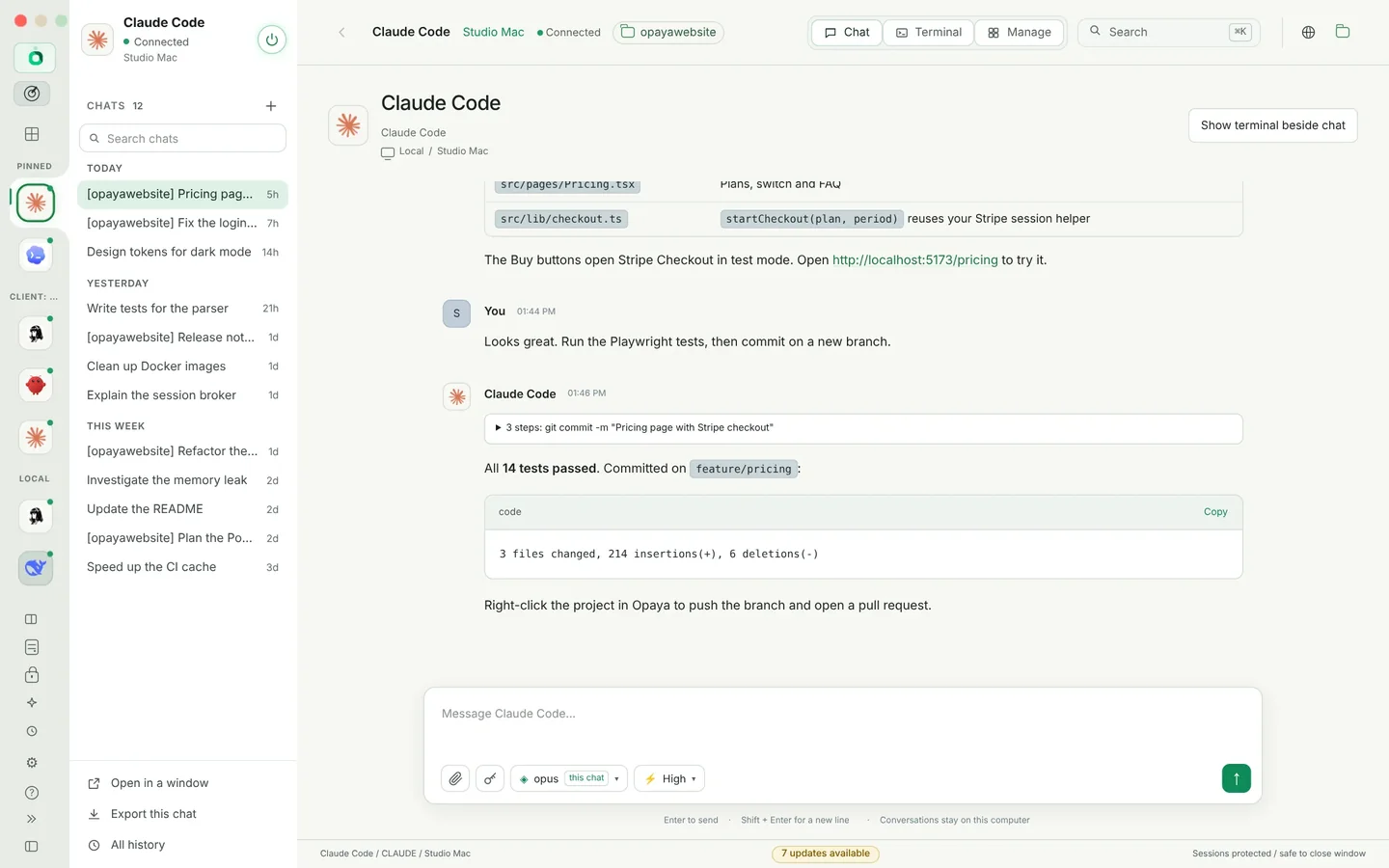
- A way to see your machines. If sessions run on more than one target, keep an inventory of where they live. OPAYA is a desktop workspace for installing, connecting, and managing AI agents on local computers, remote servers, and Docker. It answers where a session actually runs without a pile of SSH tabs. It does not replace the naming discipline below.
Step 1: Define one task per session before launch
Before you launch the agent, write a four-line task definition. This takes a minute and saves an hour of unclear review.
Task: Retry the payment intent on 5xx and 429, with jitter
Scope: src/payments/retry.ts, src/payments/retry.test.ts
Non-goals: HTTP client refactor, logging changes
Done when: retry.test.ts covers 5xx, 429 and timeout; suite green
Paste it as the first message of the session. The value is not that the agent needs it. The value is that you now have a fixed boundary to compare the diff against later. When the agent proposes work outside scope, add it to the notes as a follow-up item and keep it out of this session.
If a task cannot be described in four lines, it is not one task. Split it, or accept that it gets its own dedicated session with no parallel neighbour.
Step 2: Use branch names that match session names
One string should identify the session everywhere it appears: branch, notes filename, pull request title, and the tag you mentally attach to the terminal tab.
# pattern
<type>/<ticket>-<slug>-<tag>

# example
fix/PAY-412-retry-timeout-a1- Lowercase and hyphenated, so it survives URLs, containers, and shell history.
- No dates in the branch name; git already records those.
- A tag that is unique among concurrently open sessions. Your initials plus a number is enough for a team.
- Never reuse a branch for a second session. If you need more work after merging, that is a new branch and a new session.
git switch -c fix/PAY-412-retry-timeout-a1
git status
The tradeoff is real: long, boring branch names are slower to type. Solve it with a shell alias or your editor's git integration, not by shortening the name. A name you can read at a glance is worth two seconds of typing.
Step 3: Keep a per-session decision log
Use one file per session, using the same slug as the branch. This is a decision log, not a transcript. The transcript already exists.
# fix/PAY-412-retry-timeout-a1
Goal:
Non-goals:
Files in scope:
Decisions:        # what we chose and why
Open questions:
Verified:         # what was actually run
Next step:
Update it after each meaningful exchange, about thirty seconds each time. Notes are what make the next session cheap, and they are what let a reviewer read the reasoning instead of the scrollback.
Keep two layers separate. Project-wide instructions such as build commands, conventions, and things the agent must never touch belong in CLAUDE.md, where every session sees them. Session-specific intent belongs in the note. If a one-off instruction ends up in CLAUDE.md, it leaks into every other agent's context and you have created a new kind of chaos.
Step 4: Never run two agents in one folder
Give each session its own working directory. git worktree is the cheap way to do it: worktrees share one object database and remote configuration, so you do not duplicate history or re-clone the project.
git worktree add ../acme-PAY-412 -b fix/PAY-412-retry-timeout-a1
cd ../acme-PAY-412
git worktree list      # confirm no path appears twice
Start Claude Code inside that directory, and only that directory. When the branch merges, clean up:
git worktree remove ../acme-PAY-412Worktrees have costs you should budget for. Each one needs its own dependency install, such as node_modules, a virtualenv, or a build cache, which is real disk and real minutes. Dev servers need different ports per worktree, so pass them explicitly. Untracked local files such as .env do not come along; copy them deliberately rather than discovering the gap mid-task.
If worktrees are too heavy for your project, the safe alternative is serial work: one session at a time in one folder, closed before the next opens. Slow, but honest. What you must not do is run two agents concurrently in the same working tree. That is the one rule with no acceptable exception.
Step 5: Write a handoff summary before closing
Never close a session without a handoff. The handoff is for the next session, which may be yours tomorrow or a teammate's this afternoon.
## Handoff — fix/PAY-412-retry-timeout-a1
State: retry logic implemented, 429 path still failing
Commits: 3f21ab9, 9c4d710
Changed:
Verified: unit tests pass except retry.test.ts:88
Not verified / risky:
Next action:
Blocked on:
Commit the note or paste it into the ticket, then close the session. Anyone resuming, including you using the CLI's resume behaviour, should confirm that behaviour in the current docs and start from the summary and the diff instead of a forty-minute transcript.
Be specific about what is not verified. A claim that tests pass is not evidence; a note that unit tests pass, integration was not run, and the 429 path was not checked manually is evidence.
Step 6: Review the diff before merge
- Check the shape.
git diff main...HEAD --statshows the file list. Does it match the scope you declared in Step 1? - Read the diff, not the summary. Agents describe intent; the diff is the change. Review the change.
- Look where risk hides: dependency additions, lockfiles, CI configuration, auth and permission code, and anything that looks like a credential.
- Run the tests yourself. A claim in the transcript that all tests pass is not a test run.
- Ask targeted questions. A request to explain lines 40 to 70 and why the retry counter resets there produces a better answer than a generic review request.
- Handle out-of-scope files explicitly. Revert them, or split them into their own branch with their own review. Do not merge scope creep because it happens to be green.
- Close the loop. Merge, delete the branch, and remove the worktree in the same sitting, so the next session does not inherit a stale directory.
Keep a map of sessions across local, remote, and Docker
On a single laptop with a single repository, the six steps above are enough. They get harder when sessions run on a workstation, a remote server, and a container at the same time, because one agent per folder now needs a host, a path, and a container identity in the key. OPAYA is a desktop workspace for installing, connecting, and managing AI agents on local computers, remote servers, and Docker. Here it is mainly useful as bookkeeping: your agents and targets sit in one list instead of a scatter of SSH commands and shell tabs.
The tool cannot enforce the discipline. It can show you that two sessions are running; only you can decide that they are two different tasks with two different branches. Keep the naming convention as the contract, and treat any session that has no branch and no note as unfinished work.
Checklist for healthy parallel sessions
Run through this before you consider a parallel setup healthy, and again at the end of each working day.
git statusis clean in the main checkout before any session starts.- Every open session has a unique branch name and a unique tag.
git worktree listshows one path per session, with no duplicates.- Every branch has a matching file in
notes/sessions/that was updated today. - No two open pull requests derive from the same branch.
- Every session closed today has a handoff summary in its note or ticket.
- The diff stat of each branch matches its declared scope; extra files are explained.
- The test suite was run by a human after the last commit, with the result recorded.
- No secrets,
.envfiles, or credential-shaped strings appear in the diff. - Merged branches have had their worktrees removed.
CLAUDE.mdchanges are reviewed like code, since every session inherits them.
Edge cases and what to do
A production bug lands while a long session is running. Create a new worktree on a hotfix branch and deal with it there. Do not interrupt the running session or reuse its folder; the fix deserves its own session and its own note.
Two tasks genuinely need the same file. Shared type definitions and schema files are the usual culprits. Declare a lock: one session owns the file, and the other requests changes through its notes. Serialise that file, not the whole project.
A session is running out of context. Write the handoff, start a fresh session, and resume from the note plus the current diff. Pushing the same session further produces degraded work; the note is cheaper than the confusion.
Ports and services collide across worktrees. Assign a port range per tag and record it in the note. A dev server started in worktree A should never be the one answering on worktree B's port.
Sessions on remote hosts or in containers. The filesystem is not the one under your desk. Record the host, container name, and absolute path in the session note, because the repo folder is ambiguous across three machines.
Two agent branches conflict at merge time. Resolve in a third, human-driven merge branch. Never ask two agents to reconcile each other's changes; neither has the full picture and the result is unattributable.
A teammate picks up your branch. The handoff plus the note should be sufficient for them to start. If it is not, the handoff was written as a status update rather than as instructions.
You are working solo. The minimum viable version of this routine is three things: one session per task, branch names that match, and a handoff before closing. Add worktrees when you actually run two sessions at once.
Frequently asked questions
Can two Claude Code sessions share a folder if they touch different files?
In practice, no. You cannot guarantee the edit sets stay disjoint. Lockfiles, generated files, and shared imports break the assumption, and both sessions will manipulate the same git index. Separate worktrees remove the problem instead of trying to police it.
Do I need git worktrees, or is copying the repository fine?
Copying works but drifts: the copy loses the connection to your remotes and branches, and dependency installs are duplicated anyway. Worktrees share one .git directory, so branches, commits, and remotes stay in sync by construction.
How many sessions should I run at once?
The limit is review capacity, not the tool. If you cannot read three diffs carefully in a day, three concurrent sessions generate work you will not properly check. Start with two and add a third only when your checklist keeps passing.
Where do session notes belong?
Either in the repository under notes/sessions/, where they version alongside the code and travel with a clone, or in the issue tracker, where they are visible to people who never open the repo. Both are fine; keeping notes in the chat window is not.
Does closing or clearing a session lose my branch?
No. Branches and commits are git state, not session state. What you lose is the conversation, which is exactly why the handoff exists. Confirm the resume and clear behaviour of your installed CLI in the official docs before you rely on it.
How do I keep this straight across local, remote, and Docker sessions?
Put the host, container, and path in the session note, and keep the same branch-name tag across all of them. A single inventory of agents and targets, such as the one OPAYA provides as a desktop workspace, reduces the tab-hunting, but the naming still has to be yours.
Do I need a separate CLAUDE.md per session?
Usually not. CLAUDE.md should hold stable, project-wide instructions that all sessions share. Anything that only applies to one task belongs in that session's note, where it will not contaminate another agent's context.
Your next action
Pick one task that is currently open. Create the branch and the worktree using the commands from Step 2 and Step 4, write the note from Step 3 with the four-line task definition at the top, and run that single session to completion. Close it with a handoff, then review and merge the diff with the checklist above in front of you. Only after that loop feels routine should you open a second session alongside it.
If part of your workflow runs on remote machines or in containers, you can see how OPAYA handles installing, connecting, and managing agents across local computers, servers, and Docker at opaya.dev/features.
Keep reading

Claude Code on a VPS: Remote Work That Feels Local
Running Claude Code over SSH with the same projects, tools and review loop you use locally.
Read article →
A Serious Claude Code Setup: Projects, Skills and MCP Servers
Configuration, project instructions, skills and MCP servers arranged so Claude Code behaves the same on every machine.
Read article →
Running Hermes on a VPS With Telegram
Deploy Hermes to a server, connect Telegram and keep it responsive without babysitting it.
Read article →