 opaya
opayaClaude Code and Codex, one workspace
Keep both tools. Give each a clear job, and keep the project in view without juggling windows.
Before you start
A verified OPAYA account and access to Claude Code and Codex through their supported provider authentication. Install the desktop app for local repositories.
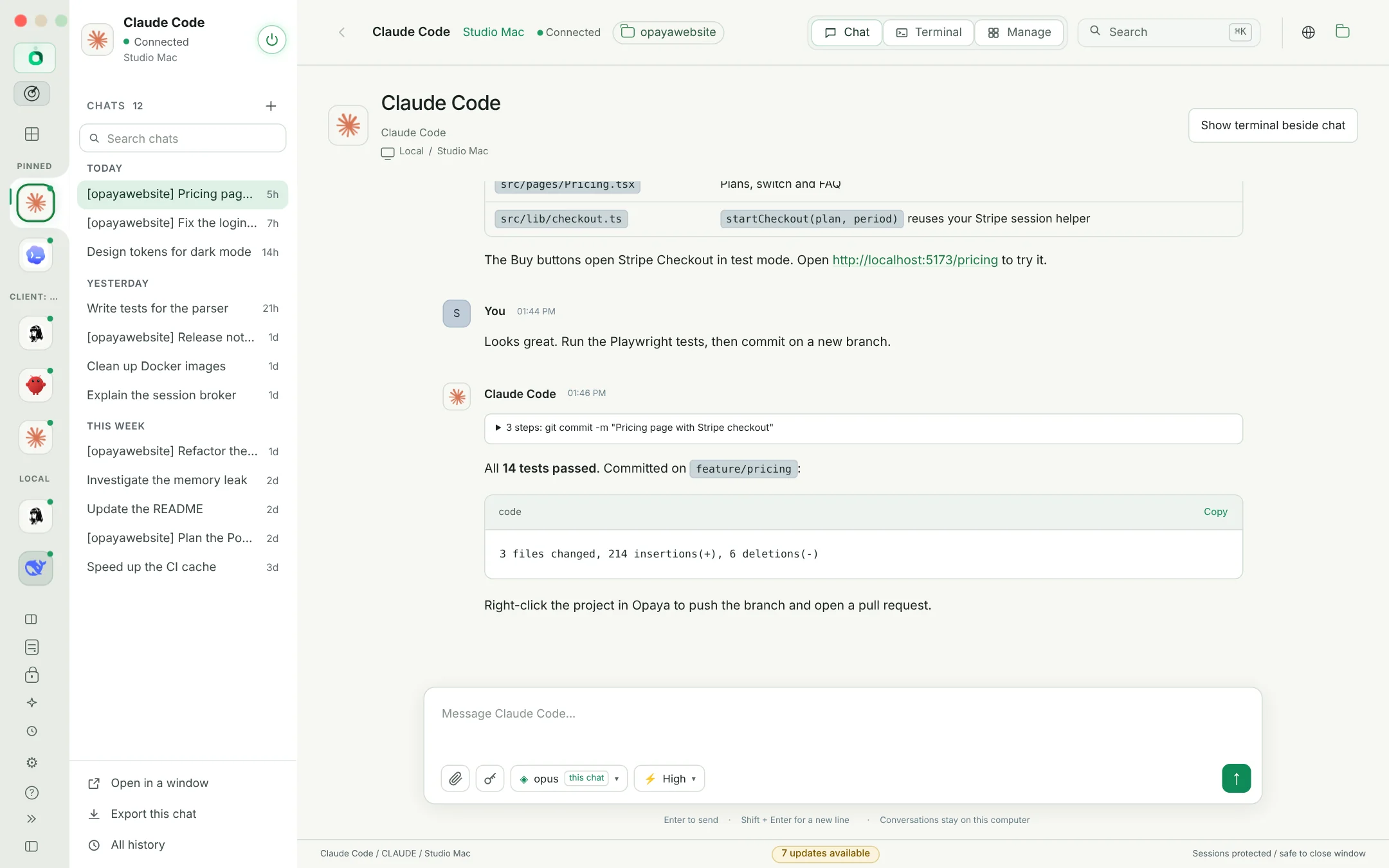
Add both agents
Discover existing Claude Code and Codex installations on the selected machine, or install them from OPAYA. Sign in to each provider separately; adding an agent does not combine the two subscriptions.
Give each a project
Select the correct repository and working directory for each session. Use separate branches or worktrees for simultaneous edits; two agents writing the same files can still conflict.
Split the work deliberately
For example, ask one agent for an implementation and the other for a review. Supply the relevant brief and diff explicitly. Switching agents does not automatically give the next agent the previous conversation.
Review the result
Inspect the diff, run the project's checks and decide what to keep. OPAYA keeps access to chat, projects and a terminal together; it does not make generated changes safe to merge without review.
Before you continue
Different agents can have different model permissions and usage limits. Check the active account before a long task, and never assume a shared chat history or automatic handoff.
Read the security and data modelStart with the agents you already use.
Desktop for local and remote work. Web for your remote agents.