 opaya
opayaChoose OPAYA for agent operations
Use a visual workspace to connect machines, inspect agents, manage configuration and handle updates, backups and clones. It is particularly useful when your work spans a desktop, a VPS and Docker.
Two ways to bring your agents together. Start with the work you need to do, not a checklist of logos.
Use a visual workspace to connect machines, inspect agents, manage configuration and handle updates, backups and clones. It is particularly useful when your work spans a desktop, a VPS and Docker.
AionUi is a free, open-source desktop cowork app with multi-agent support, remote access and automation. It is worth evaluating when your main goal is bringing everyday agent work into a shared interface.
| Your workflow | OPAYA | AionUi |
|---|---|---|
| Starting point | Manage agents and the machines they run on. | Work with multiple agents in a cowork app. |
| Interface | Desktop workspace; web access for remote agents. | Desktop app with remote access. |
| Agents | Claude Code, Codex, Hermes, OpenClaw and other connections. | Claude Code, Codex, Hermes, OpenClaw and other CLI agents. |
| What to try | Connect a VPS, inspect an agent, then clone or back it up. | Try a multi-agent task and the remote-access workflow. |
| Cost | Free, Pro and Fleet plans; model and hosting costs are separate. | Free and open source; check provider and hosting costs separately. |
Reviewed October 22, 2026. Written by OPAYA, not an independent benchmark. AionUi official repository and OPAYA features. Descriptions compare documented workflows, not exclusive capabilities. Features and plans can change.
When your next task is maintaining an agent rather than prompting it, its machine, configuration and recovery path matter.
Try the VPS workflow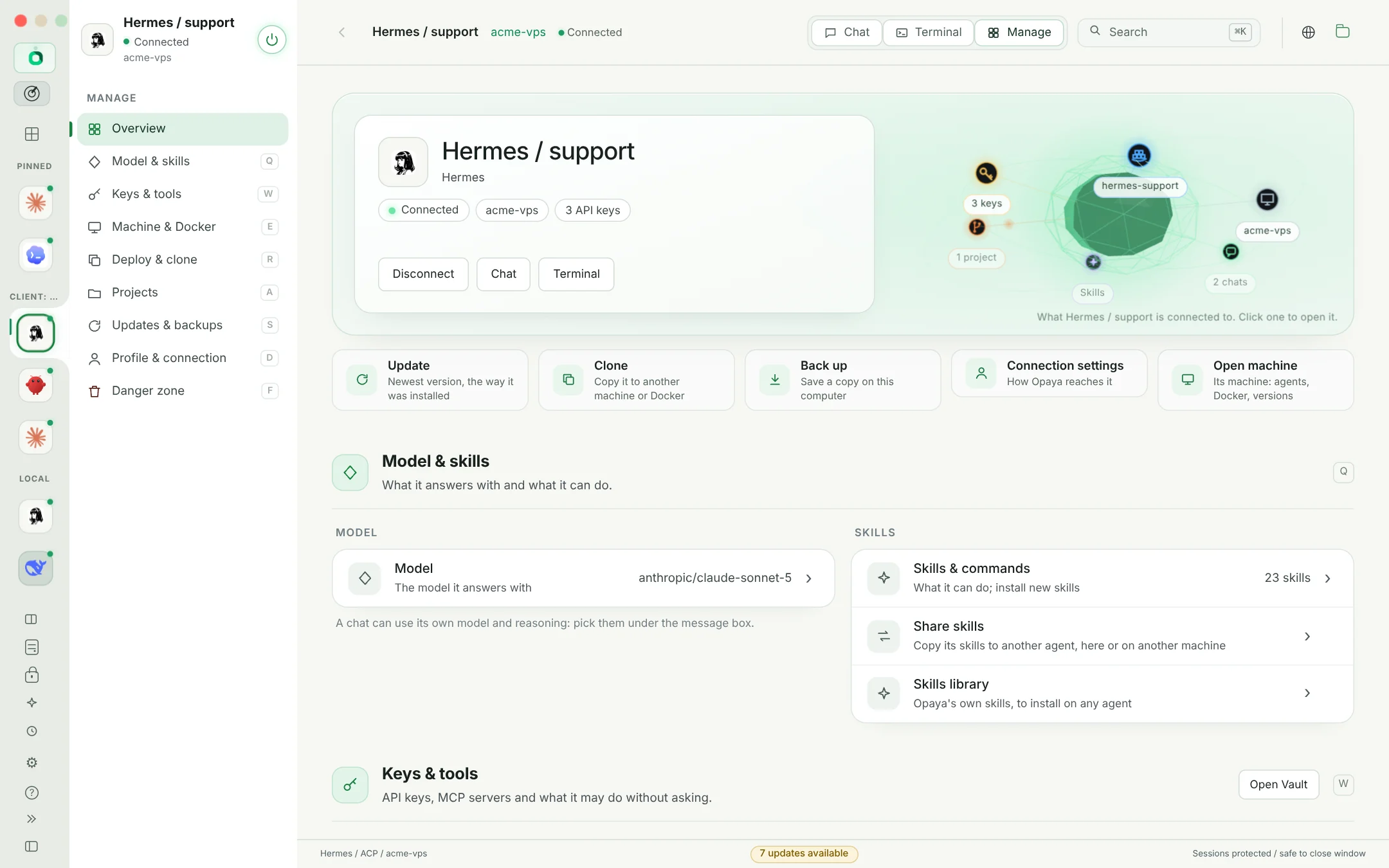
Pick one real task on a test project: connect an agent, inspect its state, change one setting and verify the result. Compare the steps you need, the permissions involved and how you recover if something fails. Keep the tool that fits your day-to-day work.
All comparisonsDesktop for local and remote work. Web for your remote agents.